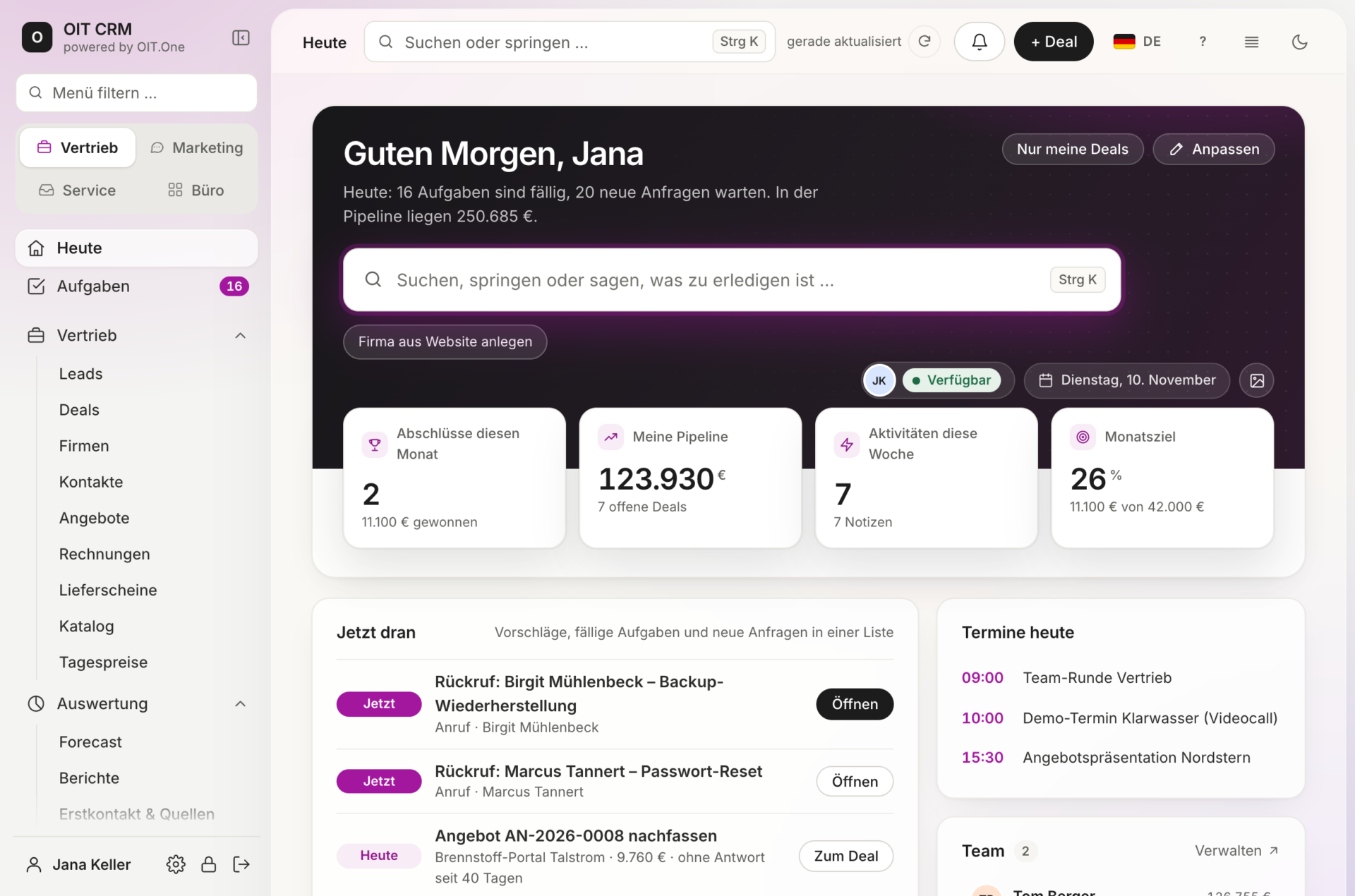
A CRM for sales, marketing, customer service, and more.
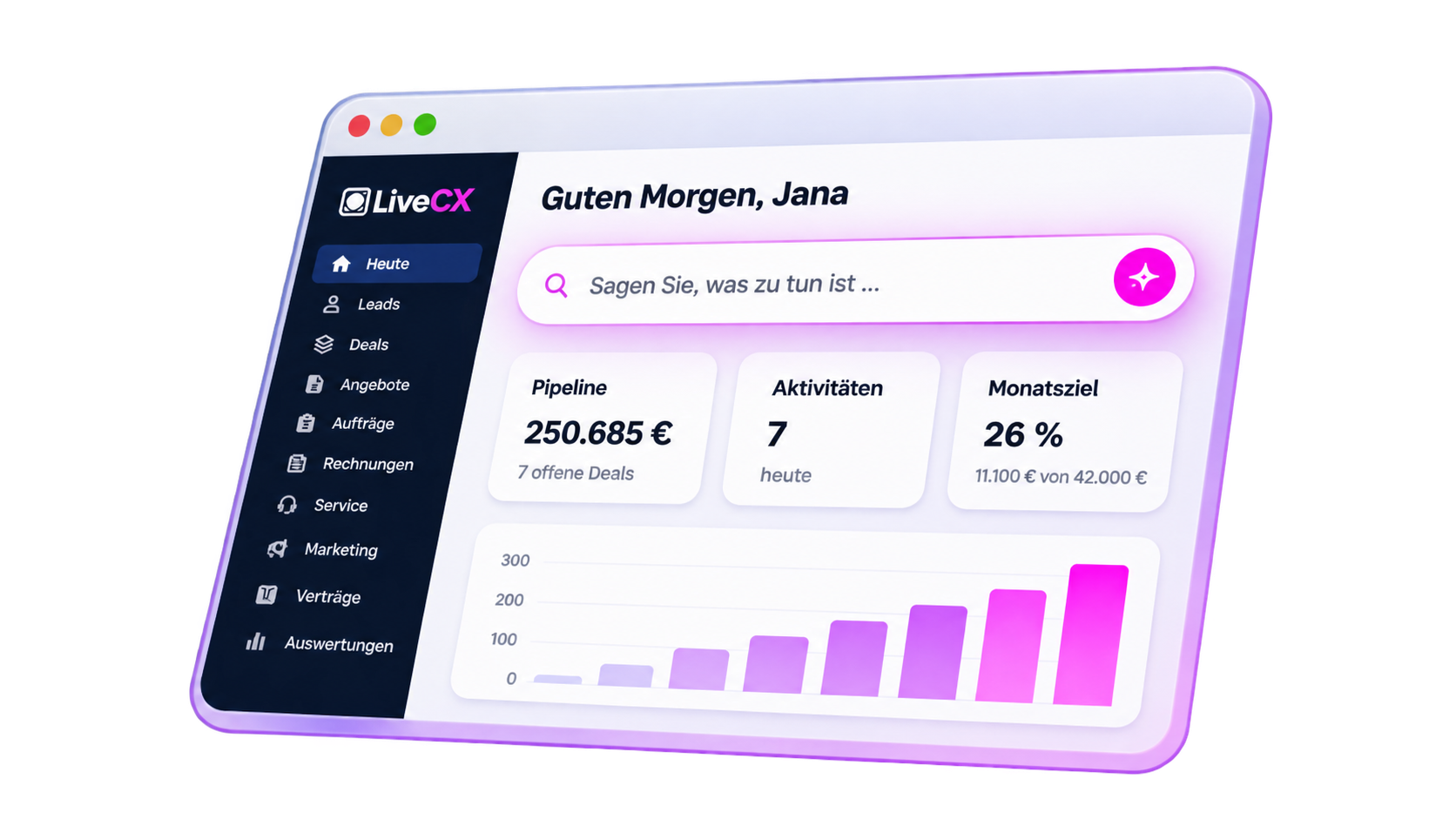
LiveCX connects customers, processes, and systems on a single platform—from the first point of contact through integration into your existing IT infrastructure.
Sales
From the first contact to the order.
Leads, sales opportunities, quotes, and closed deals—all within a single, end-to-end process.
Marketing
Manage campaigns. Measure results. Drive growth.
Link marketing activities to concrete sales results and make that success visible.
Customer Service
Keep track of every inquiry. On every channel.
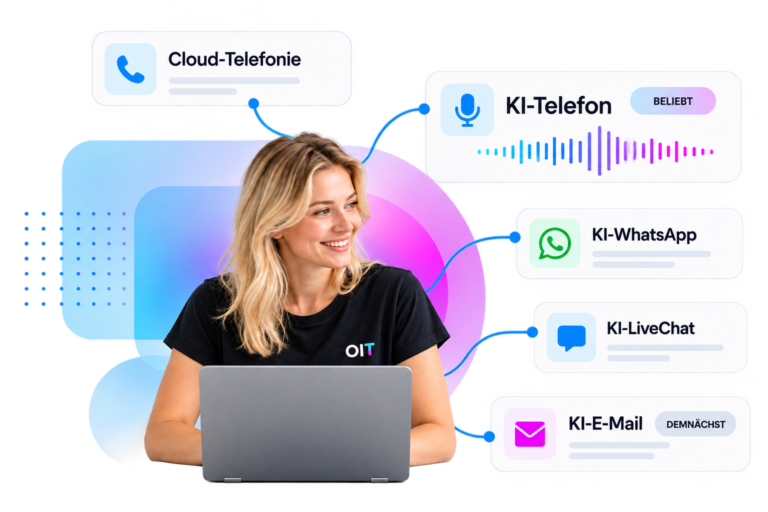
Centrally capture, assign, and reliably process customer communications, tickets, and AI-powered calls.
Make customer relationships measurable, monitor contract terms, and capitalize on additional sales opportunities.
Office & Processes
Less paperwork. More time for what matters.
Centrally integrate and efficiently manage business workflows, documents, and operational processes.
Integrations & AI
Systems. Processes. Smartly Connected.
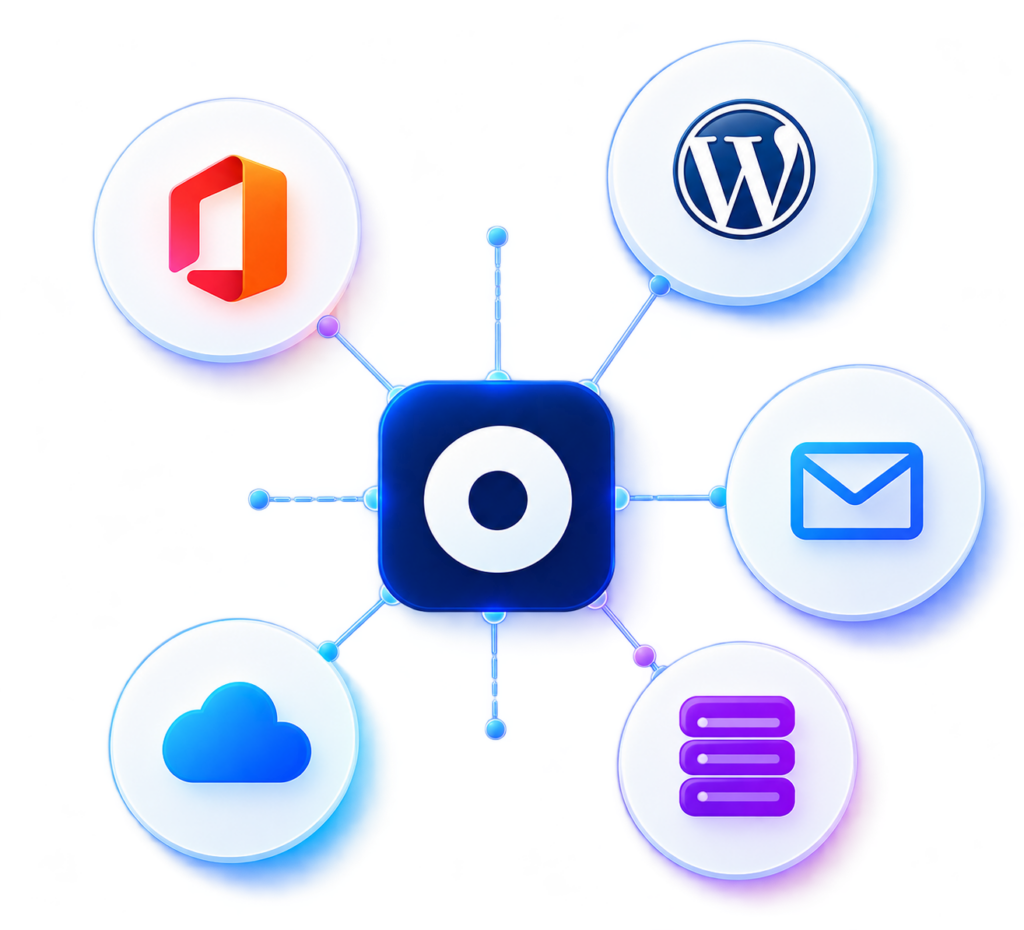
Integrate LiveCX into existing IT environments and connect applications via open interfaces, automation, and AI assistants.
LiveCX in Detail
Discover how LiveCX connects sales, marketing, customer service, and business processes—with intelligent features for every task.
Identify, qualify, and provide targeted development for prospective customers.
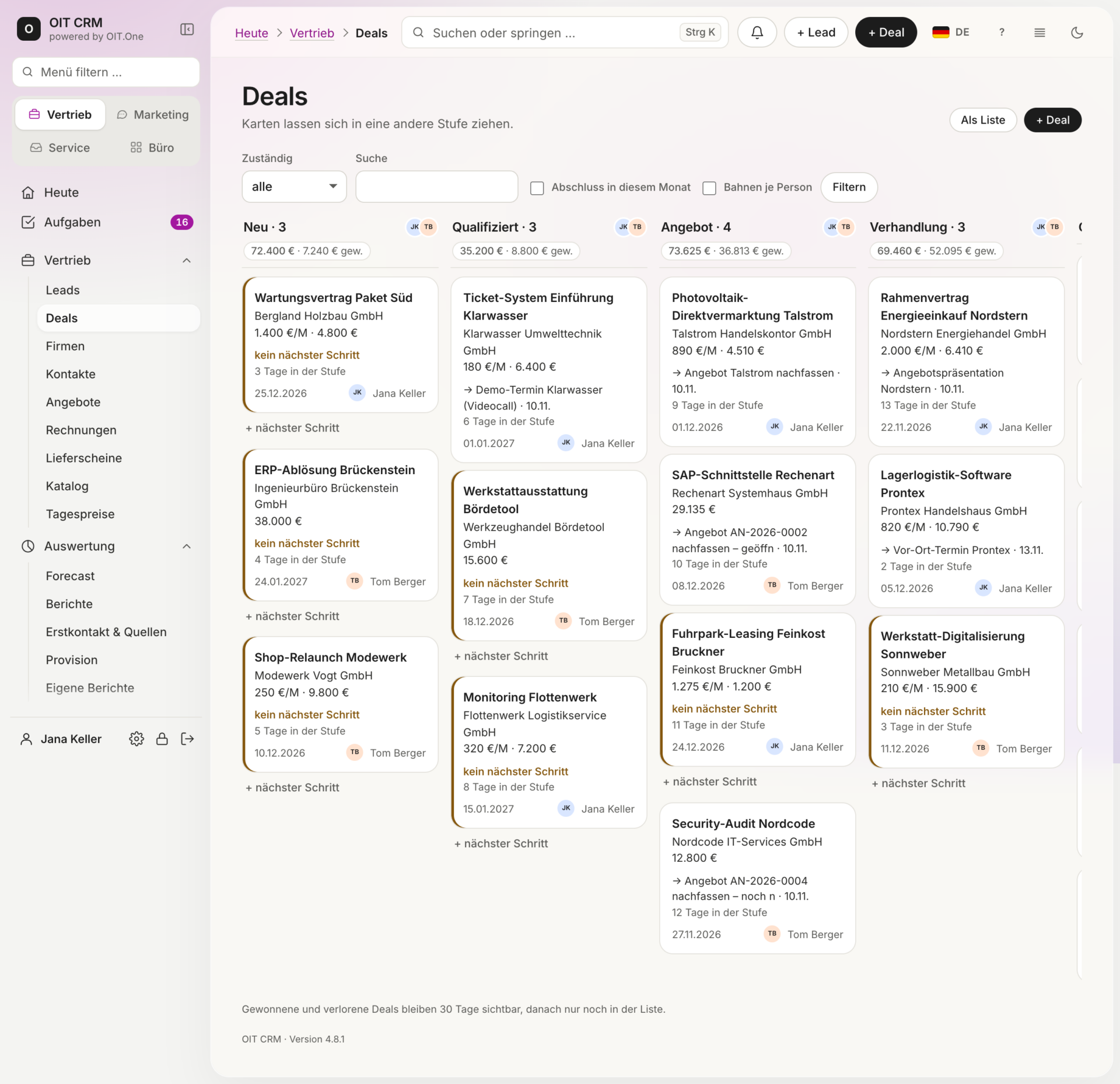
Manage sales opportunities, plan deals, and determine next steps.
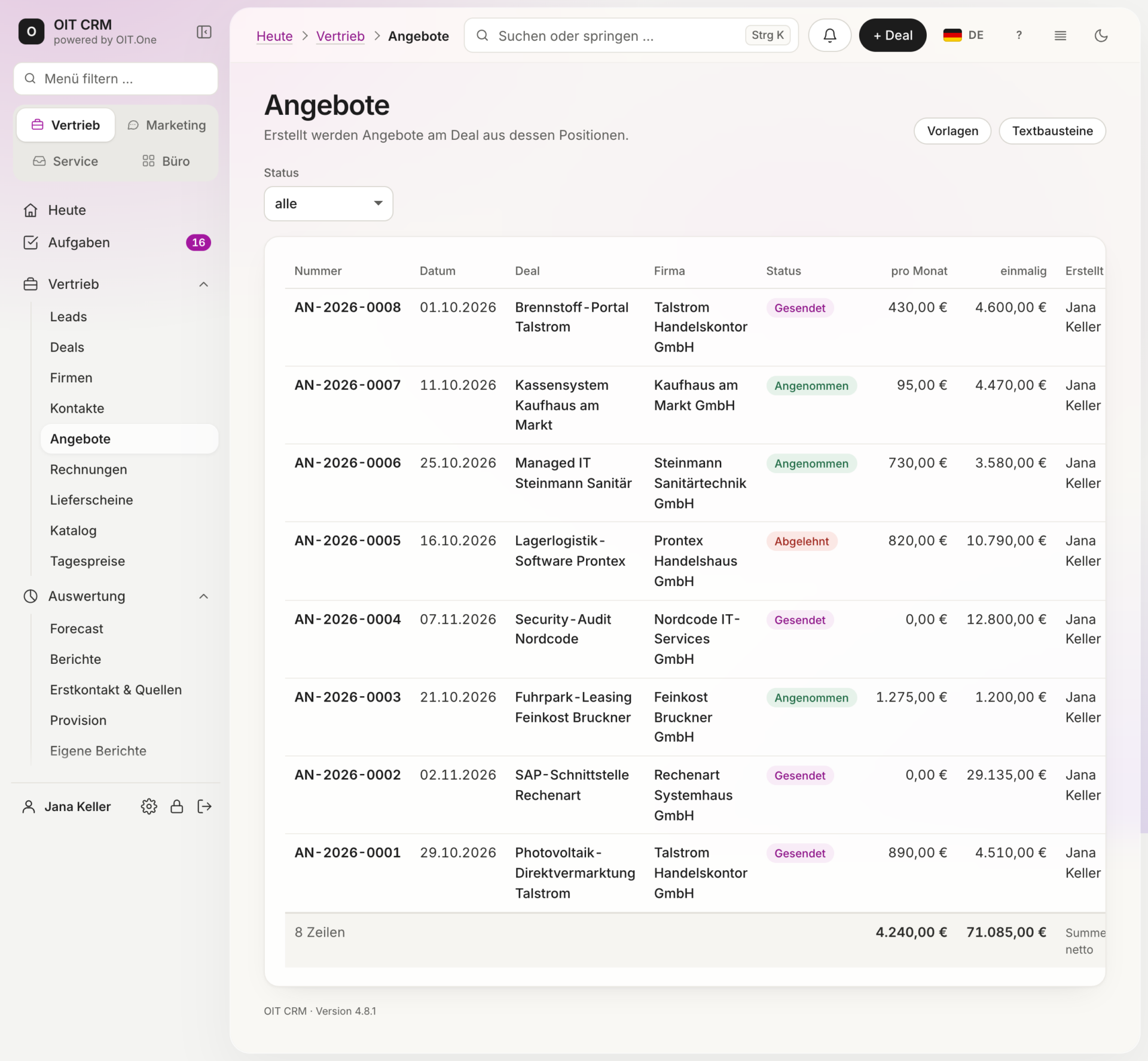
Create and manage quotes …
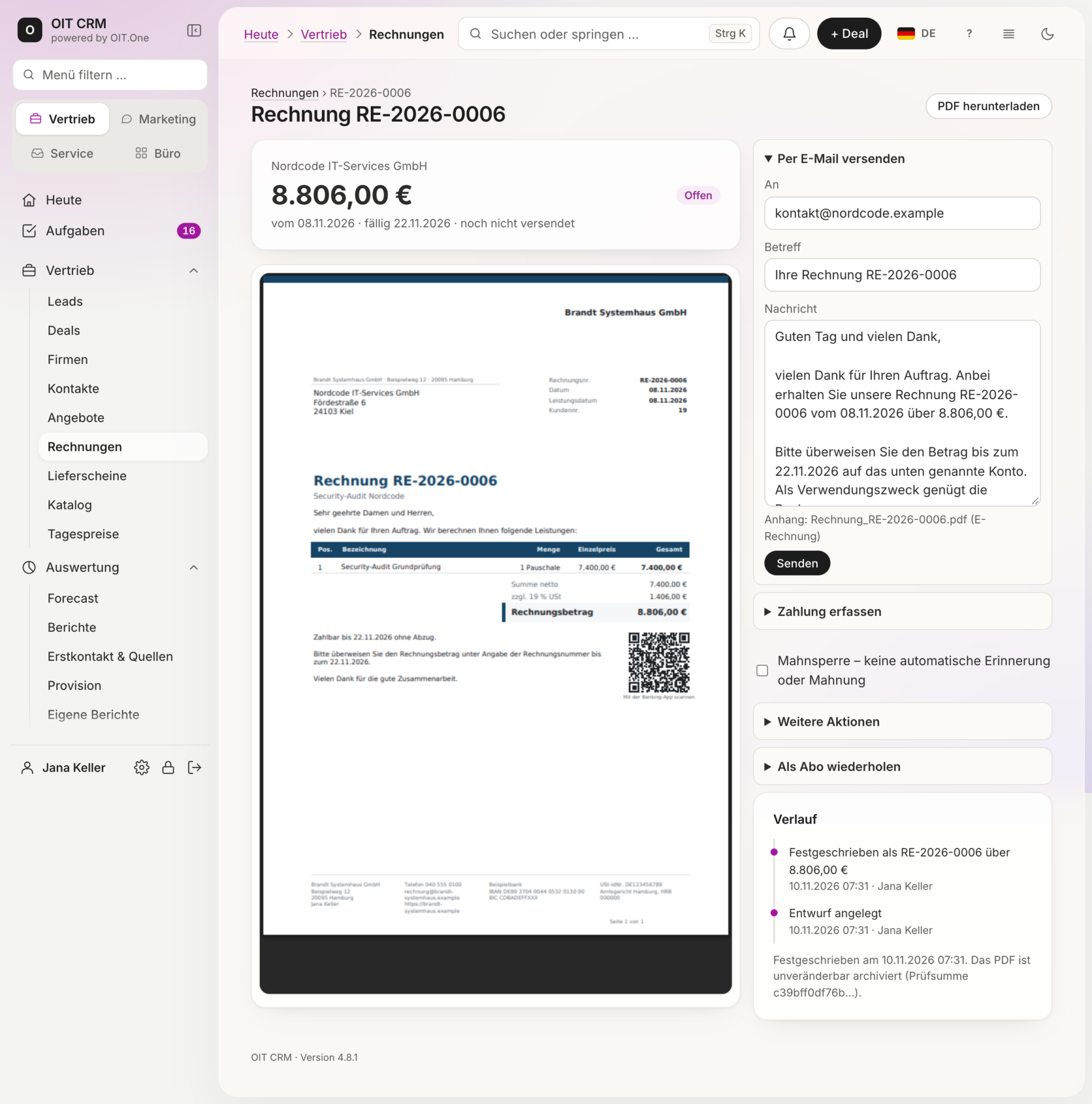
… carry over to invoices.
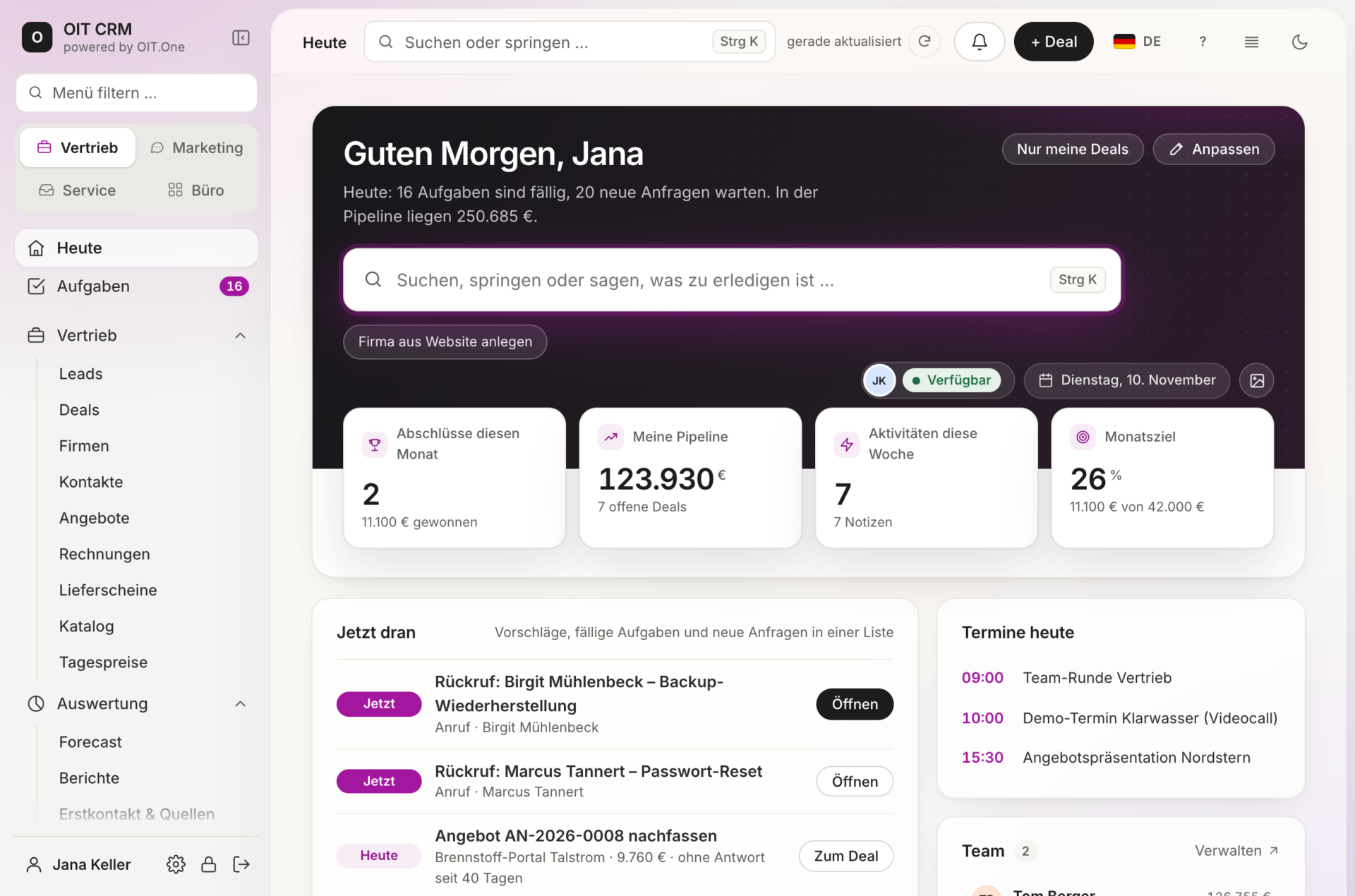
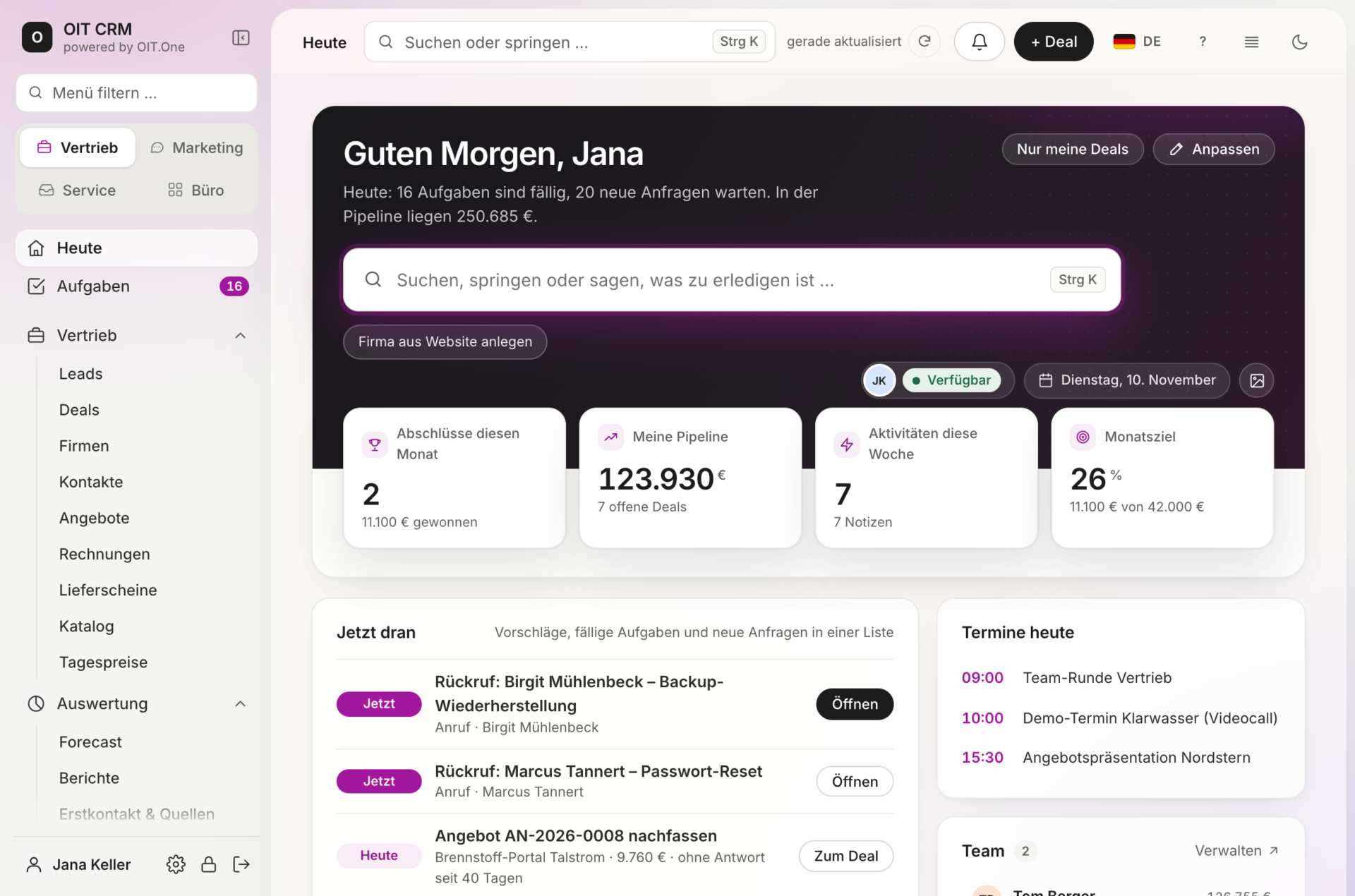
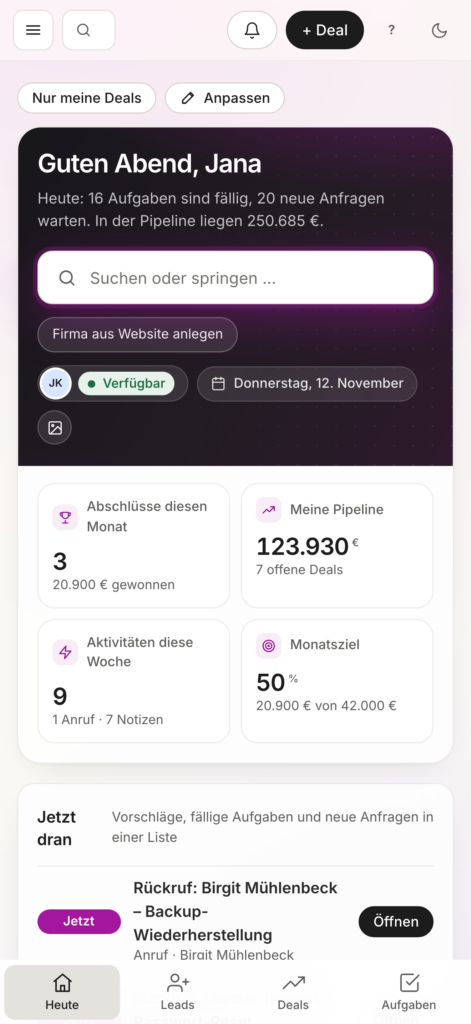
Keep an eye on the pipeline, closing probabilities, and revenue targets.
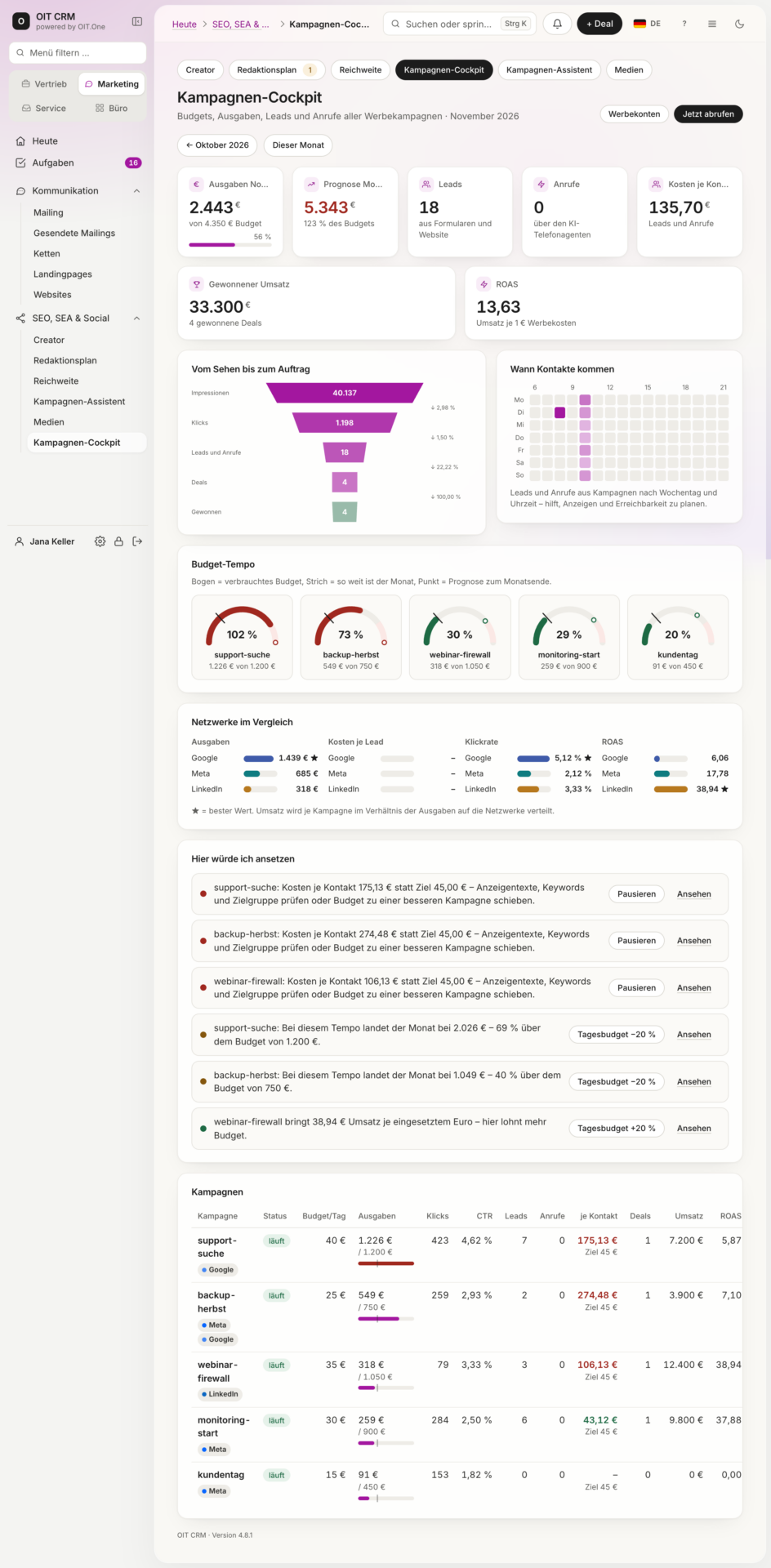
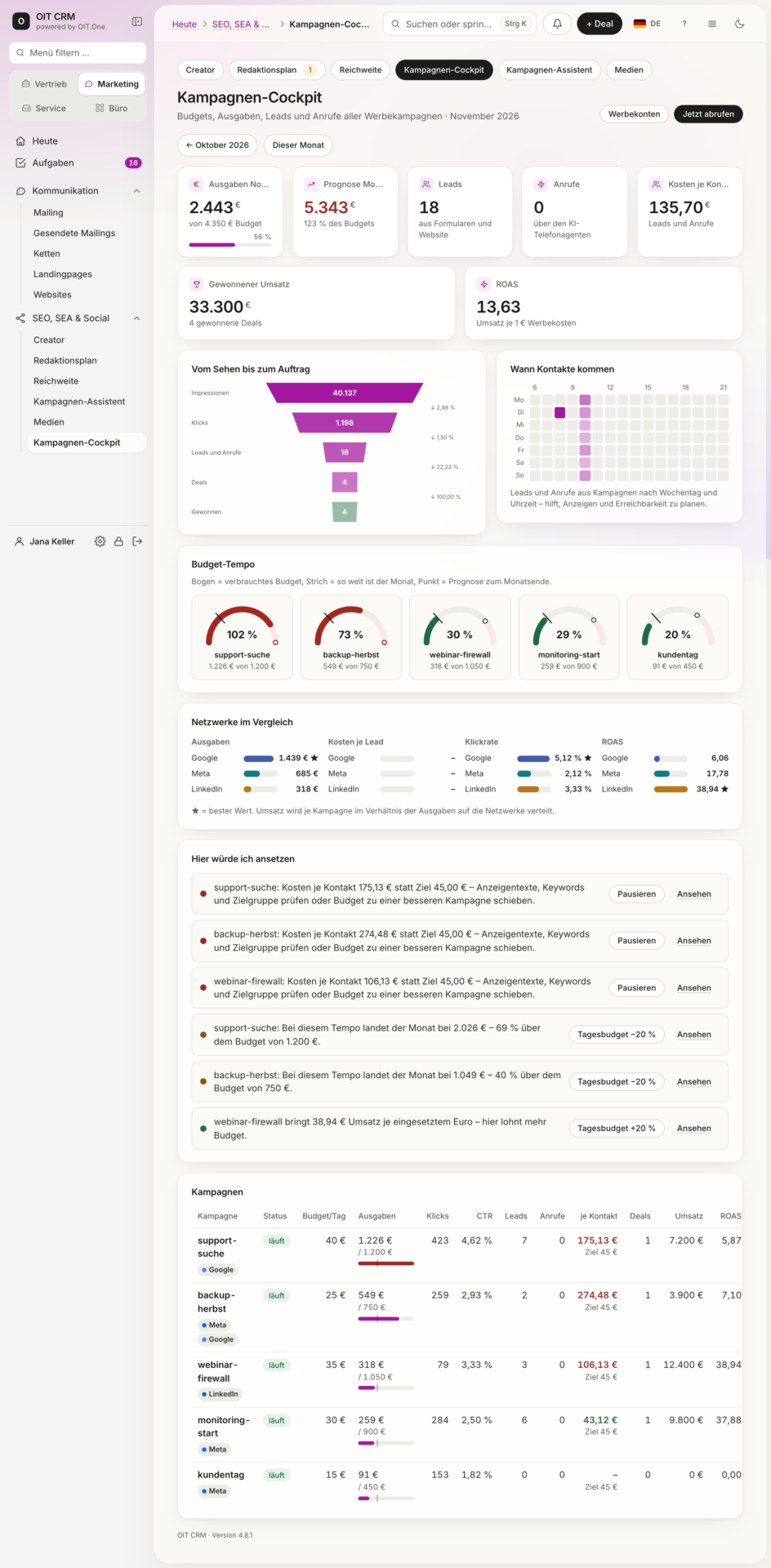
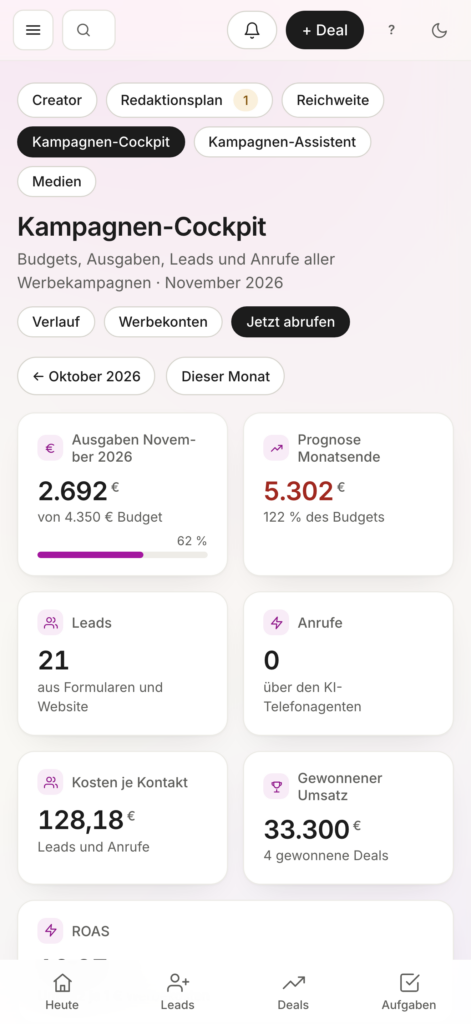
Analyze budgets, leads, deals, and advertising revenue across all channels.
Evaluate cost per contact, ROAS, and budget trends, and develop corresponding actions.
Automate campaign processes using workflows and integrated systems.
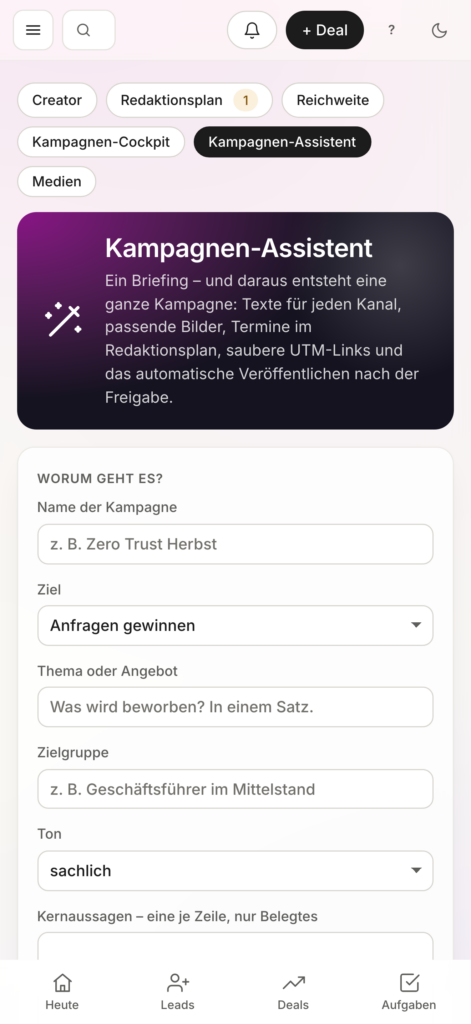
AI-powered support for campaign planning and optimization.
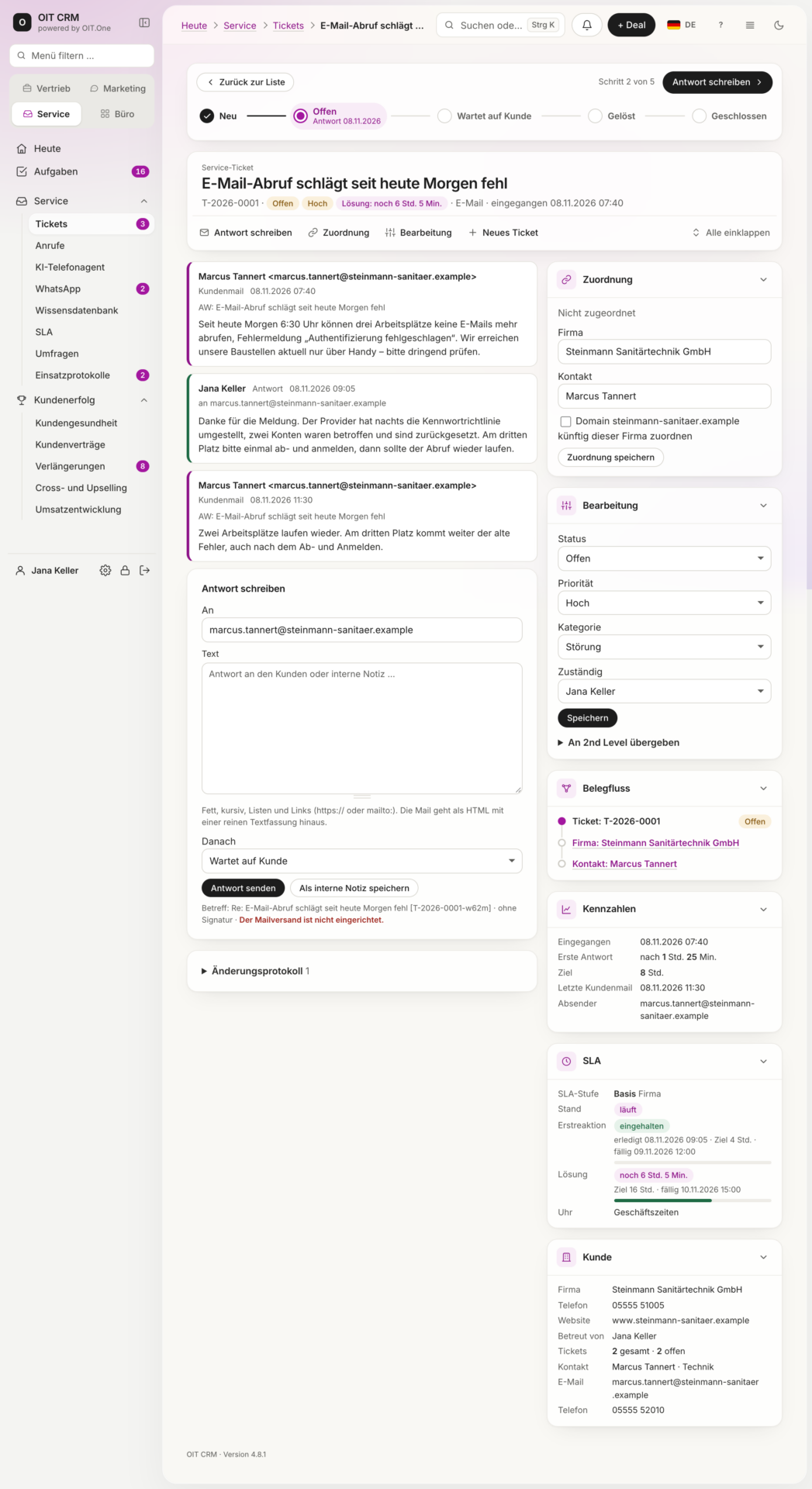
Prioritize, process, and monitor agreed-upon response times for customer inquiries.
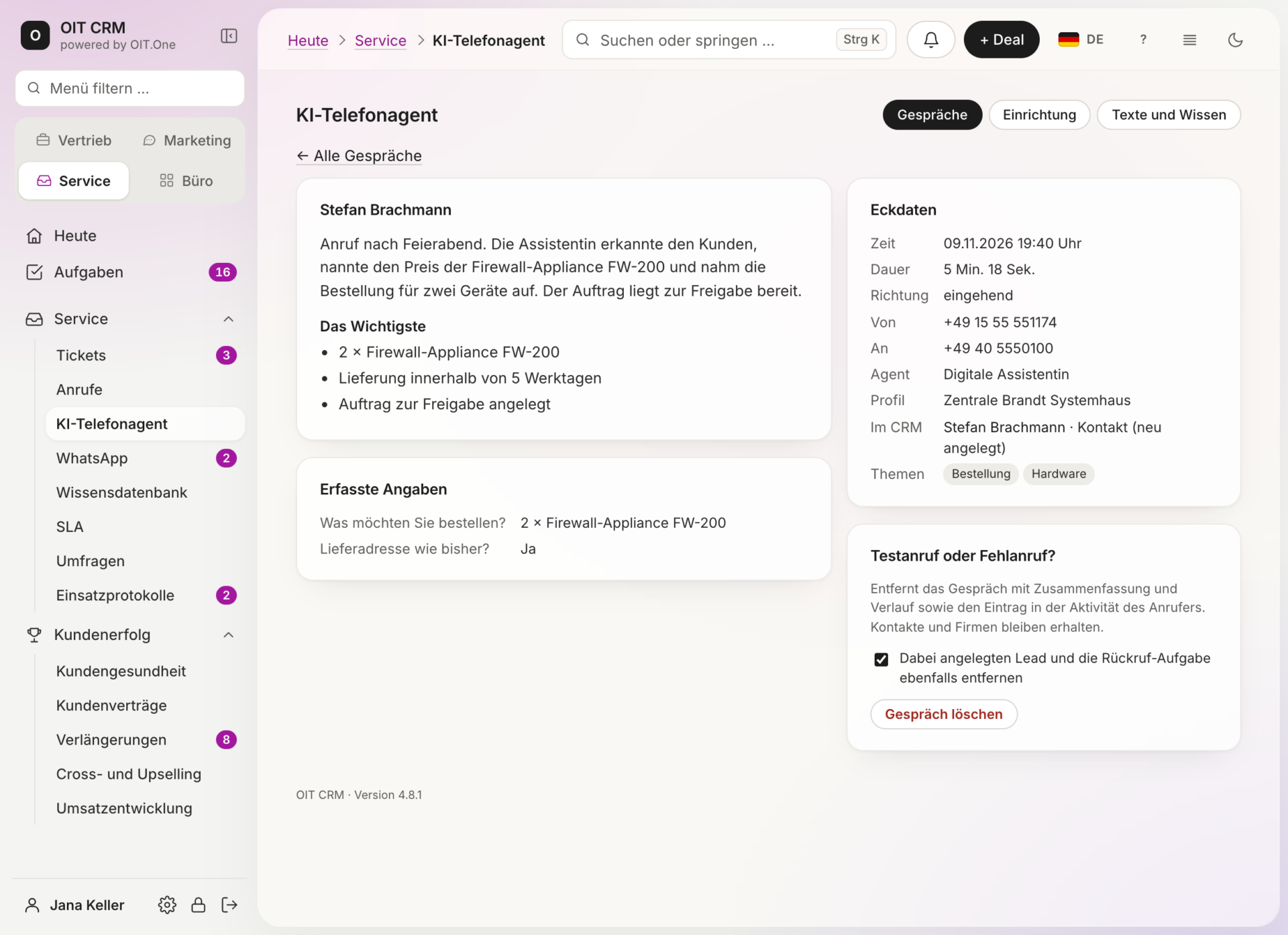
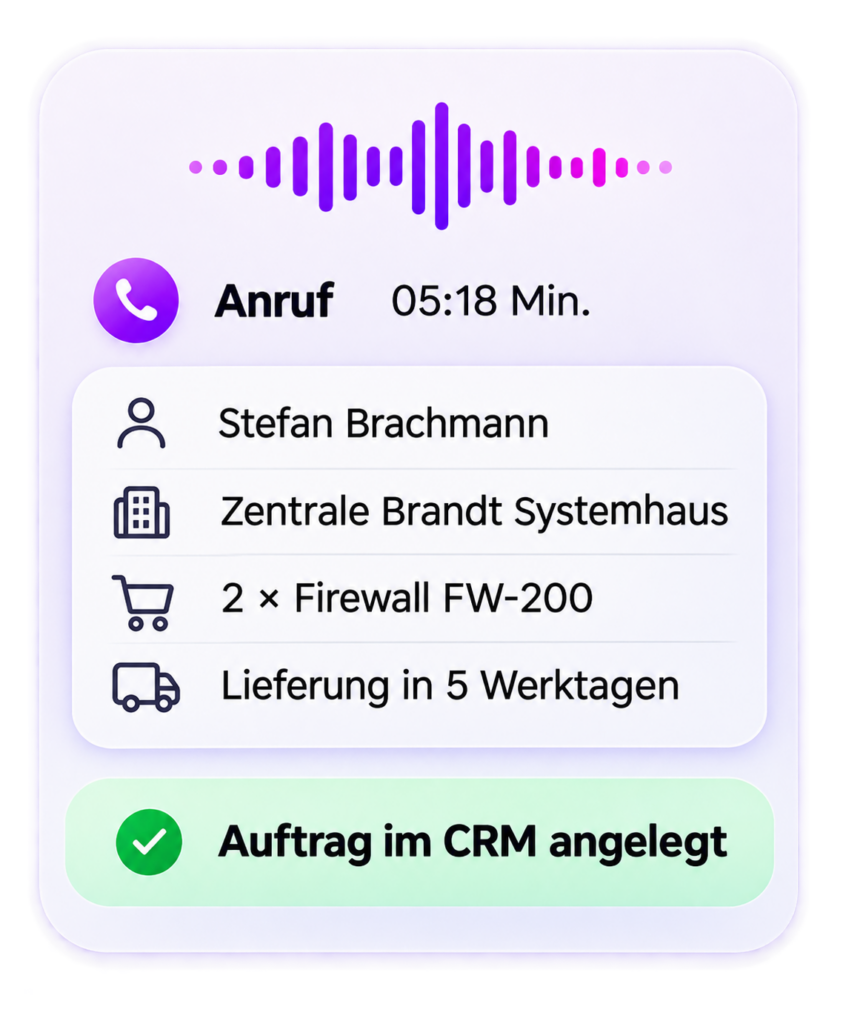
Answer calls, identify customers, and take orders or schedule callbacks.
Edit and document customer messages directly in the CRM.
Consider conversations, inquiries, and processing statuses in context.
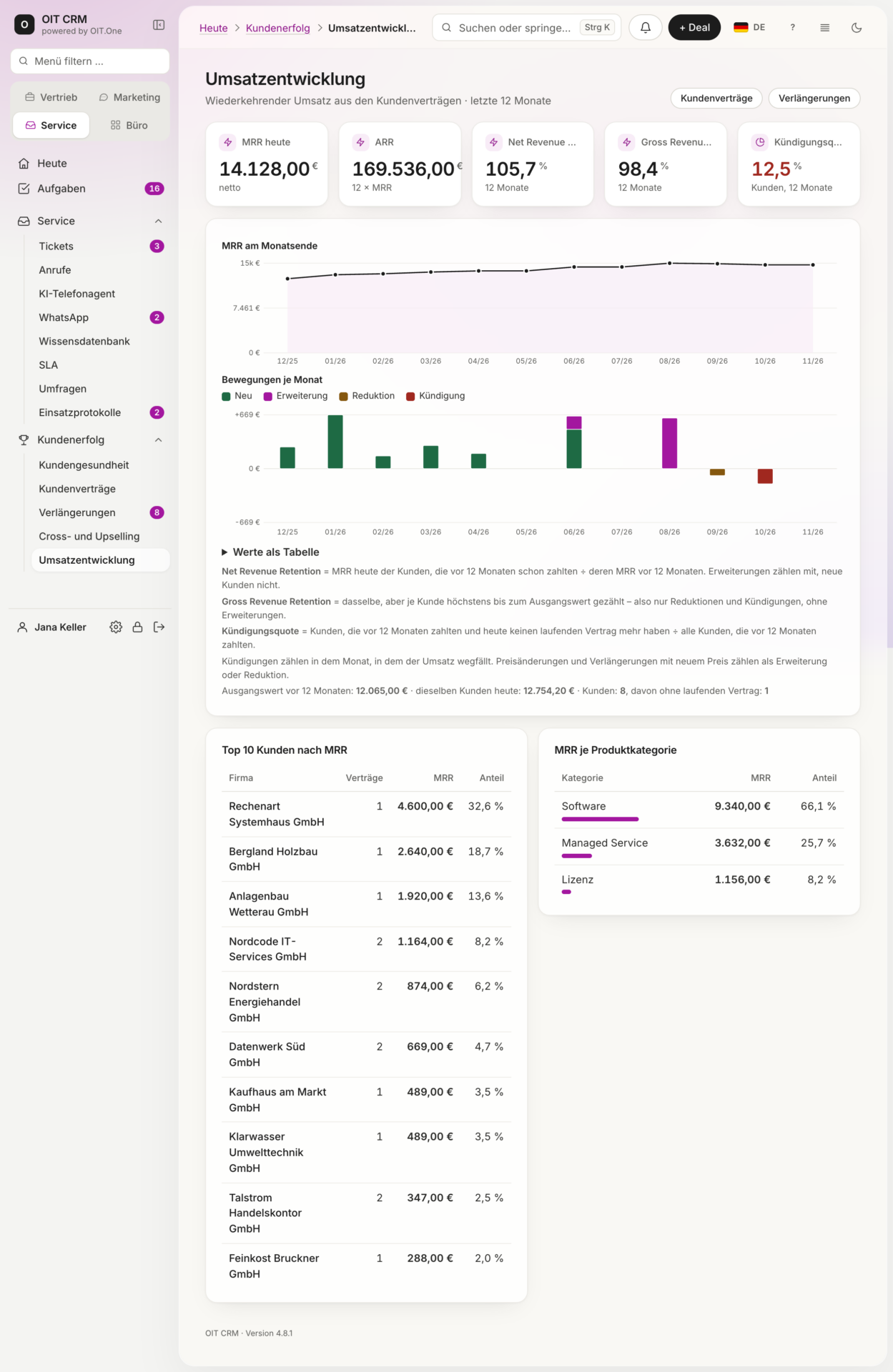
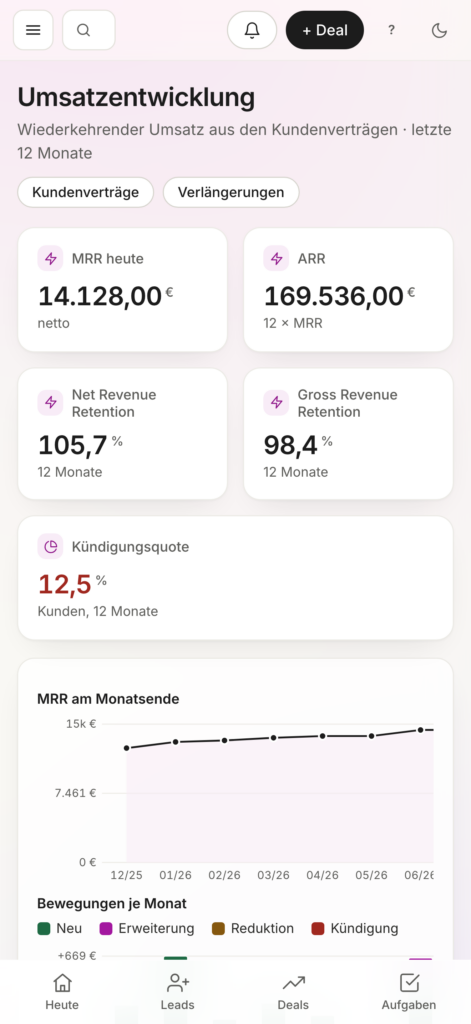
Analyze recurring revenue, MRR, ARR, and customer growth.
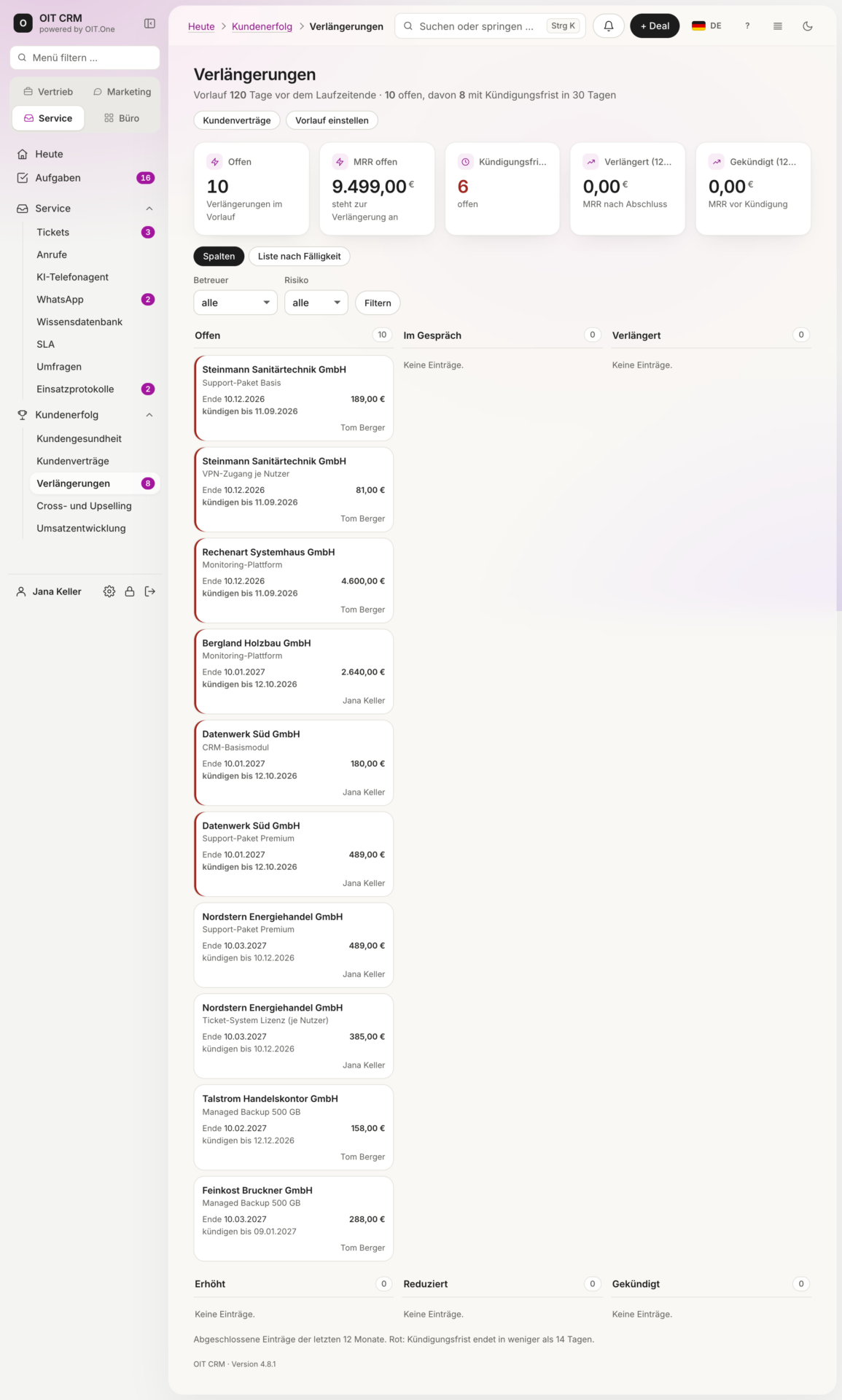
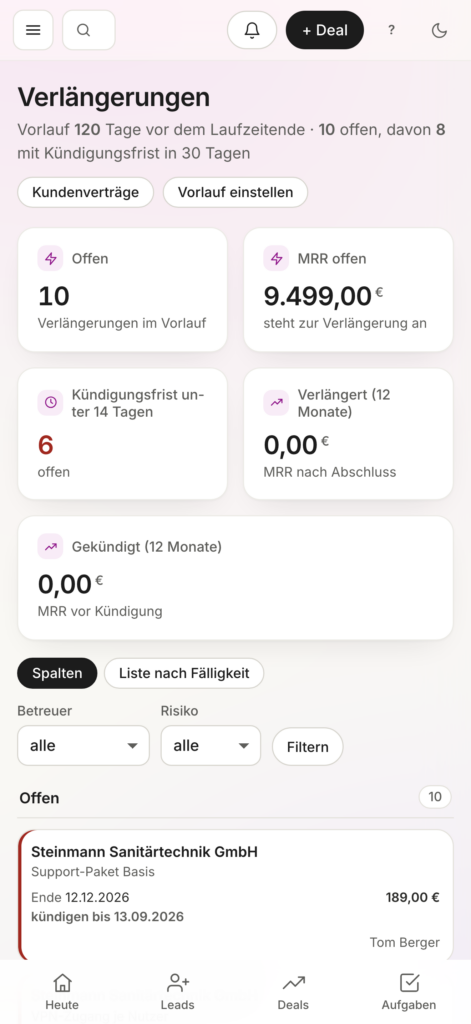
Monitor notice periods and process extensions in a timely manner.
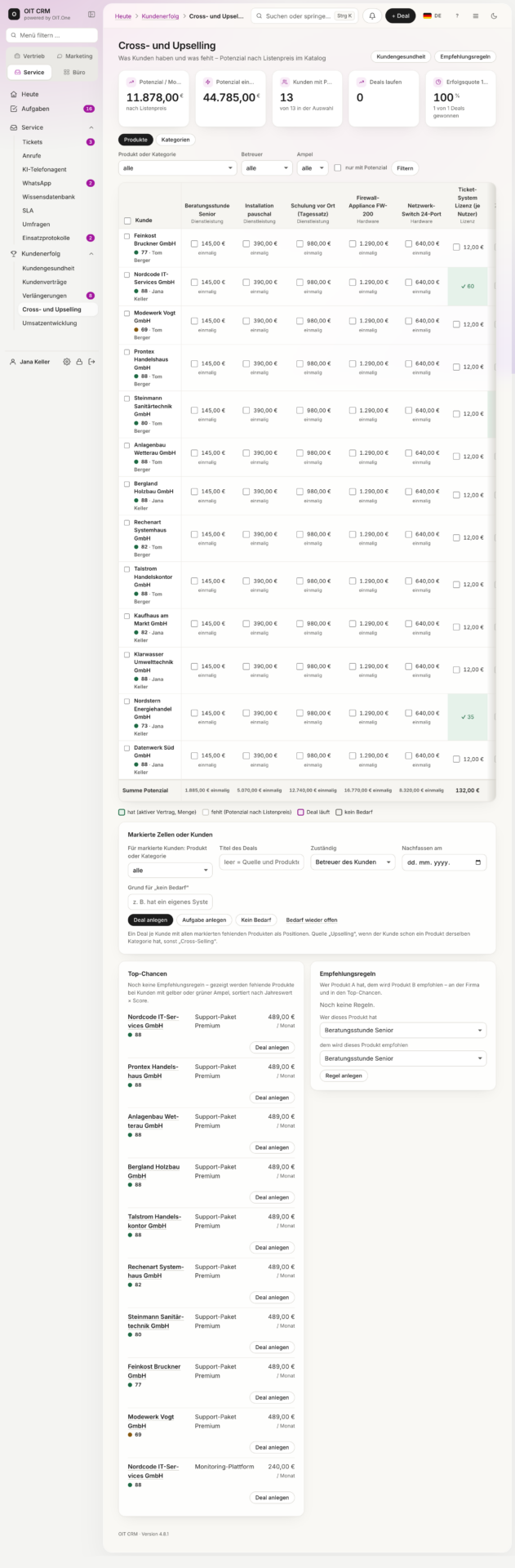
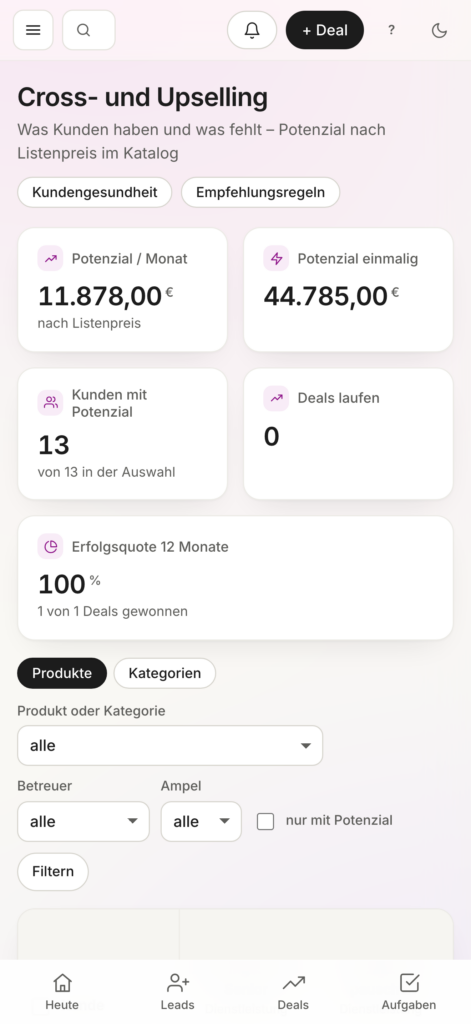
Identify additional needs and offer targeted, suitable products.
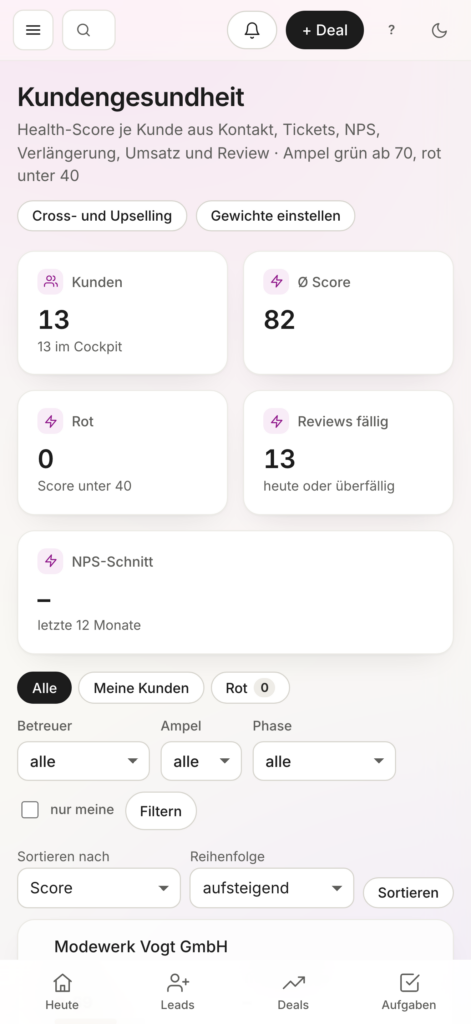
Evaluate customer relationships based on existing contracts, activities, and key metrics.
Create quotes, generate invoices, and manage payments.
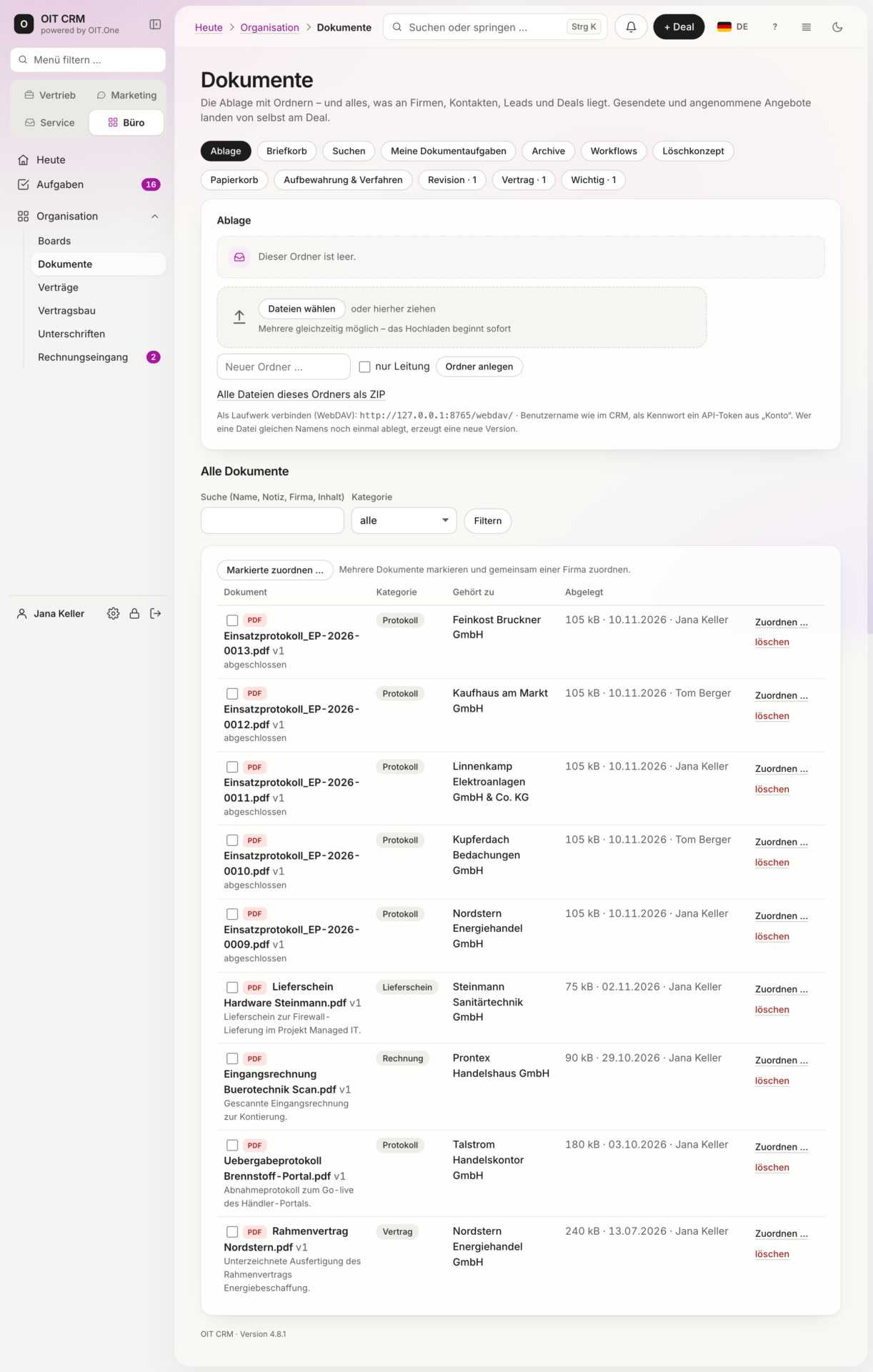
Centrally store, organize, and version control documents.
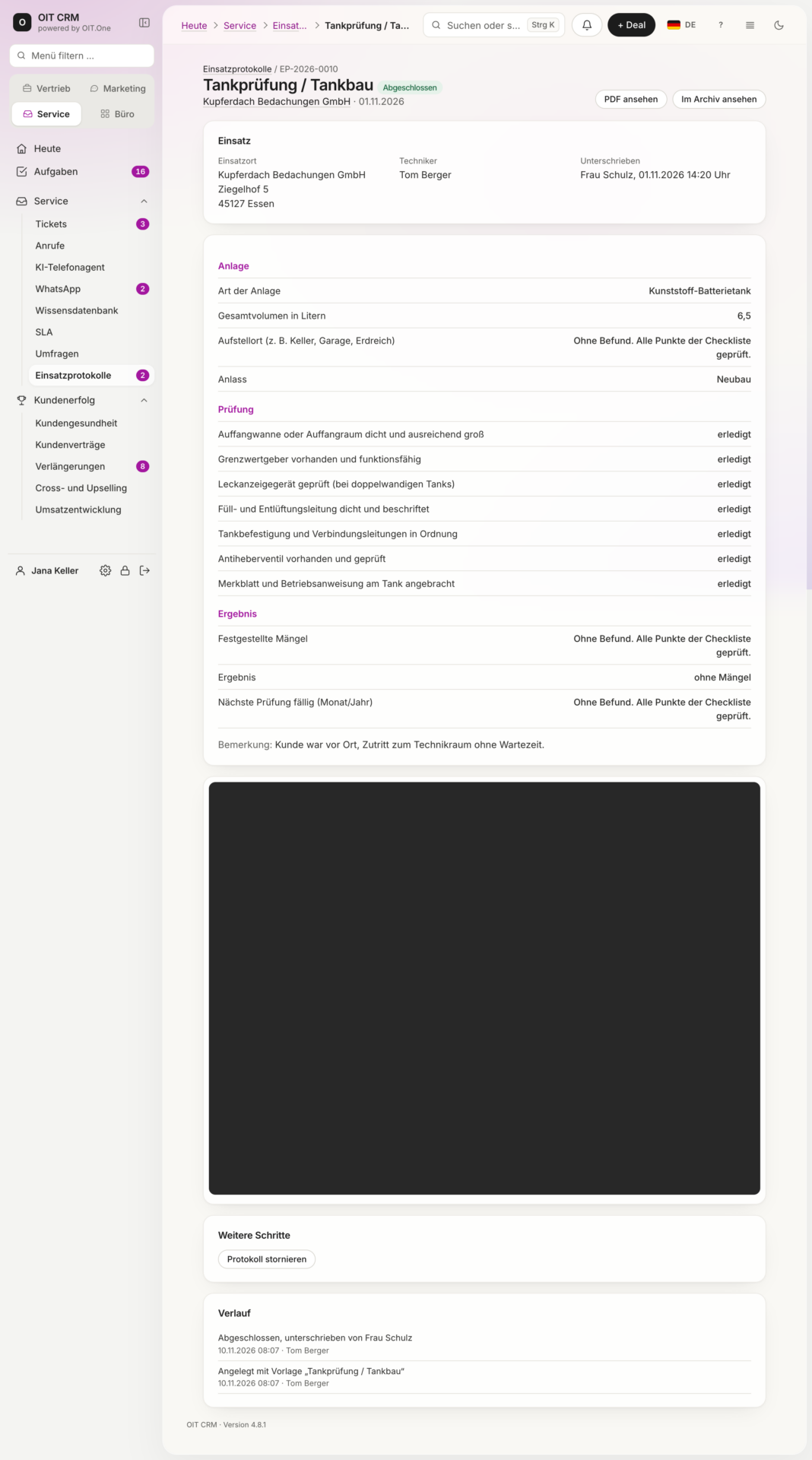
Document field service visits, record inspections, and have them digitally signed.
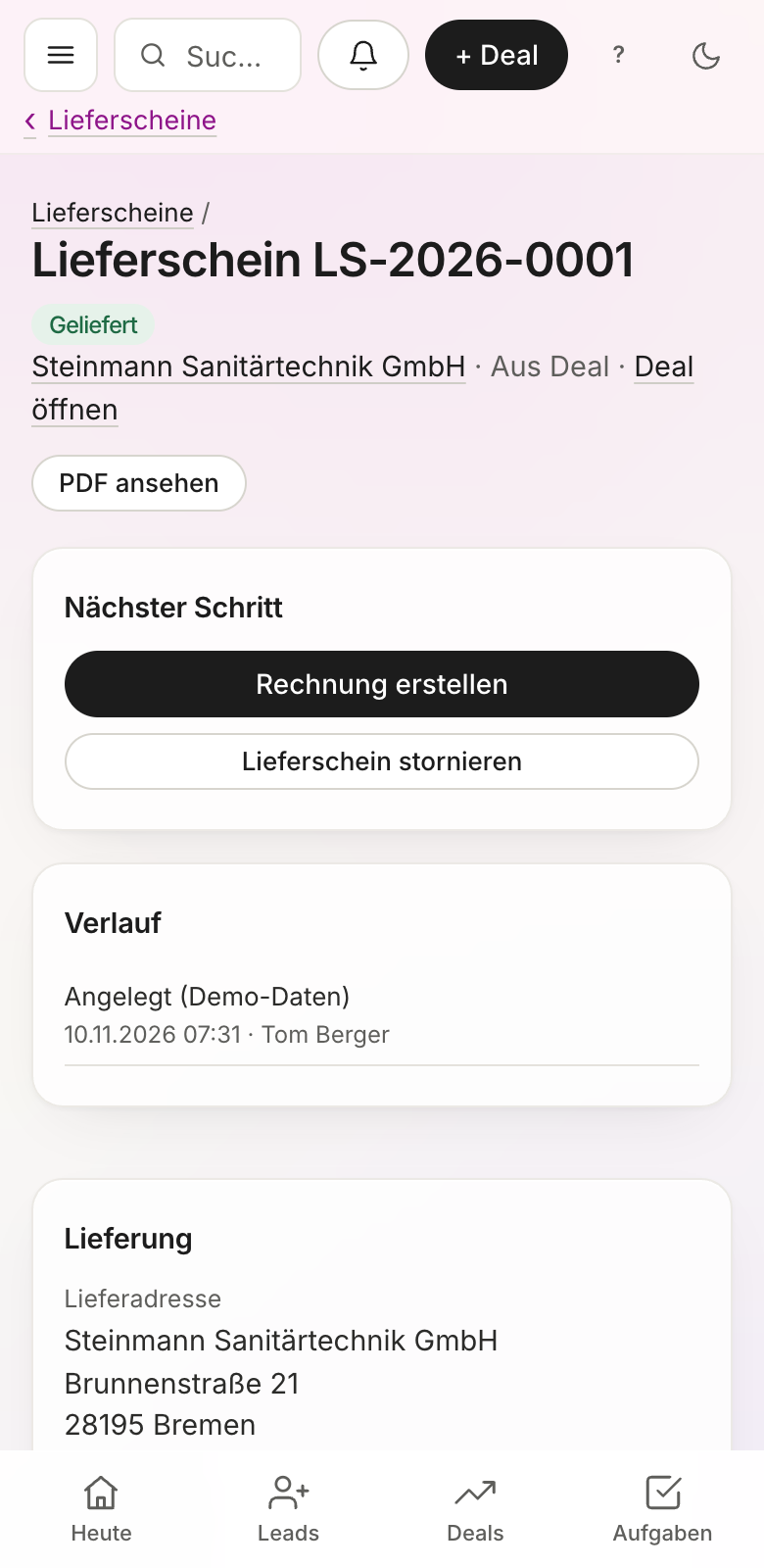
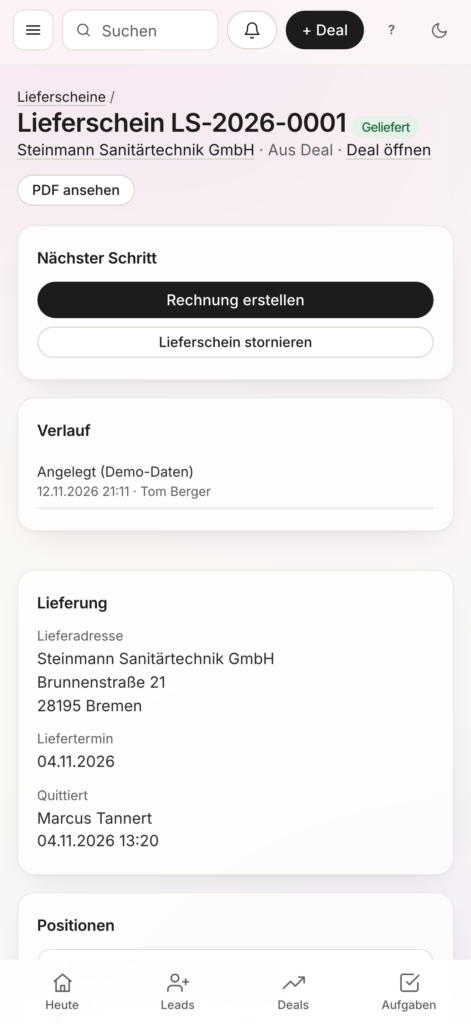
Process delivery slips on the go and trigger follow-up processes directly.
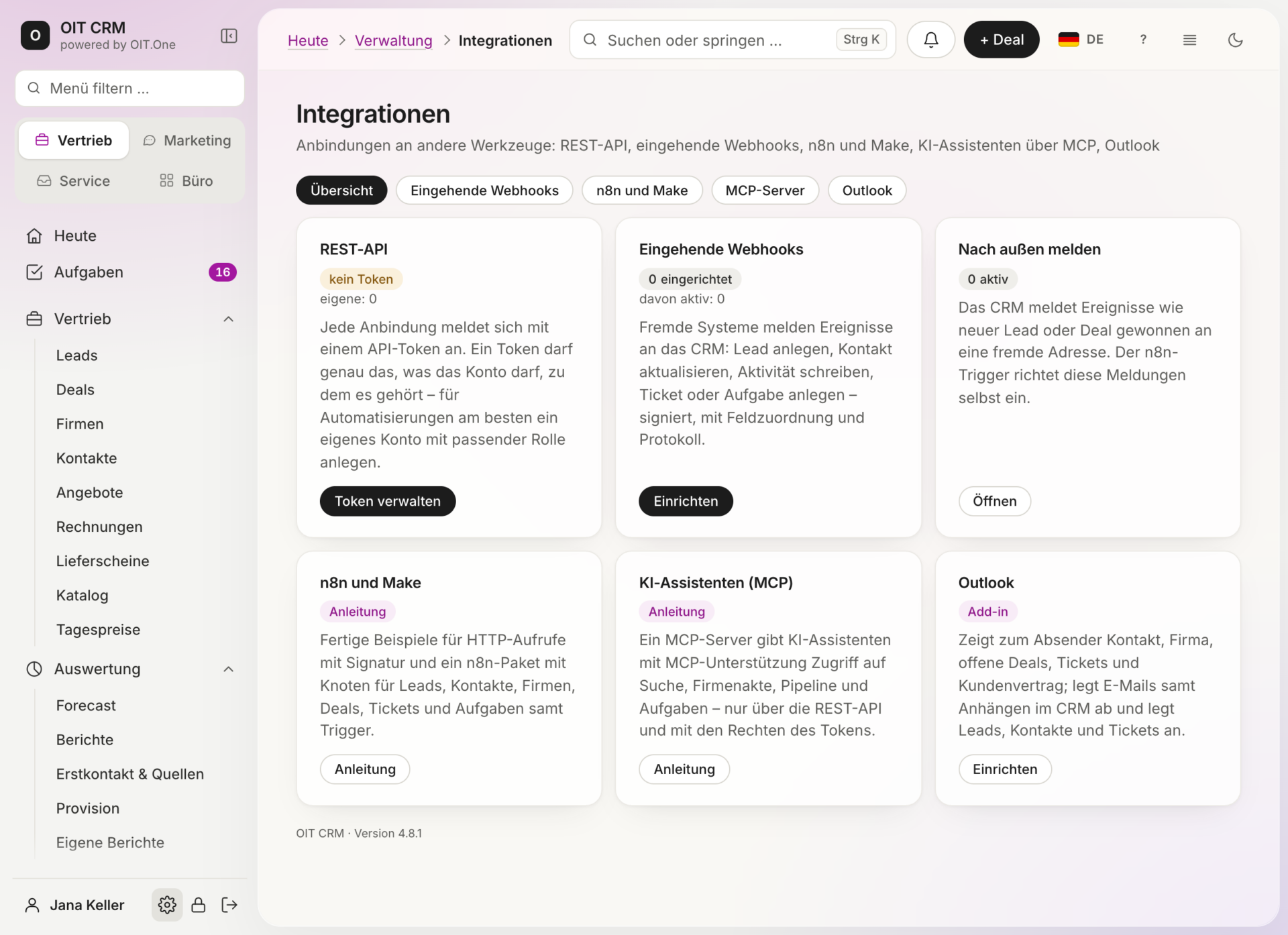
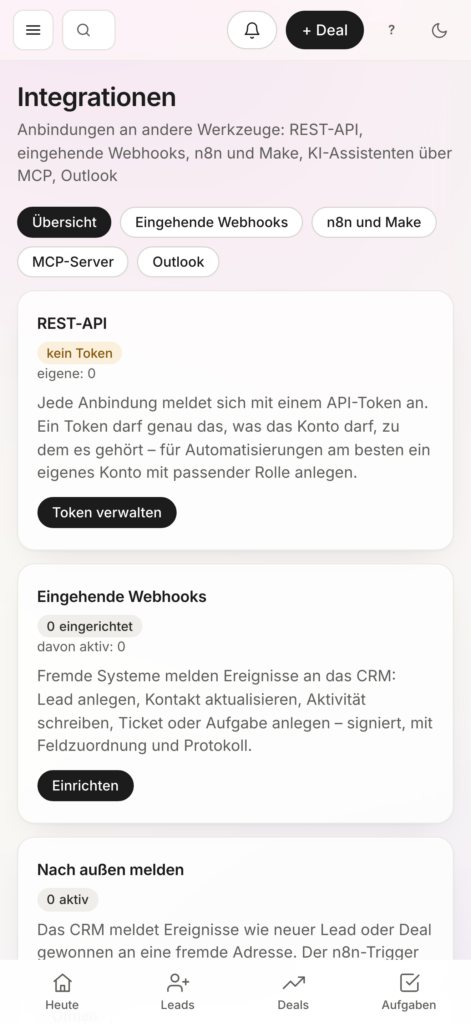
Securely exchange data between LiveCX and other applications.
Automate recurring tasks using n8n, Make, and webhooks.
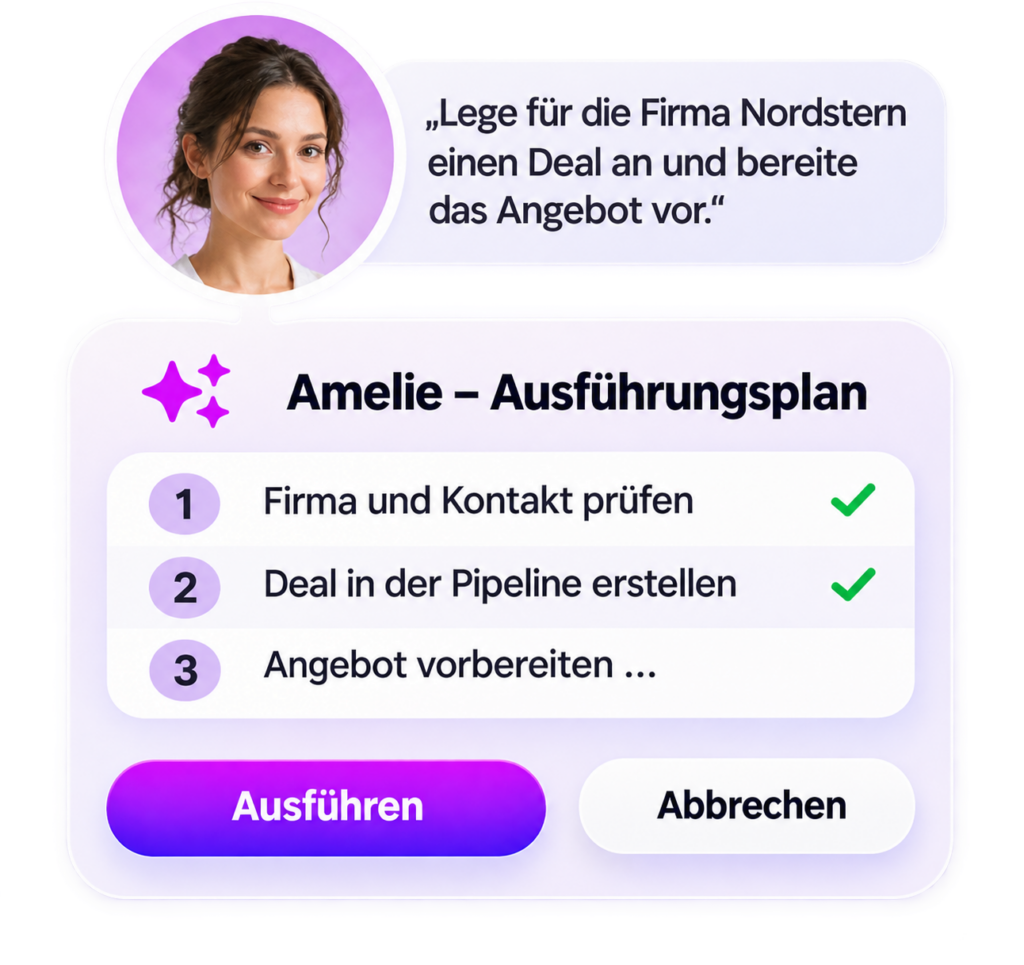
Initiate tasks using natural language and have them executed after approval.
Link emails to CRM data and integrate AI assistants via MCP.
Sales
Leads & Contacts
Identify, qualify, and provide targeted development for prospective customers.
LiveCX consolidates all contact information, activities, and customer data in one central location. New leads can be captured, evaluated, and guided through the sales process in a targeted manner.
Deals & Pipeline
Manage sales opportunities. Prepare for closed deals in a targeted manner.
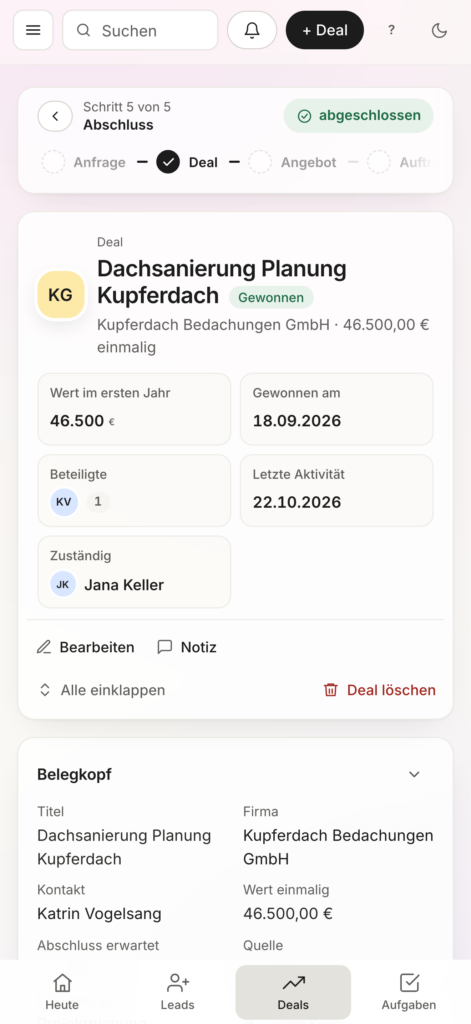
With the clear and organized deal pipeline, you can keep track of the status of all sales opportunities. Probabilities of closing, responsibilities, and next steps help you plan your sales activities in a targeted manner.
Offers
From the sales conversation to the final offer.
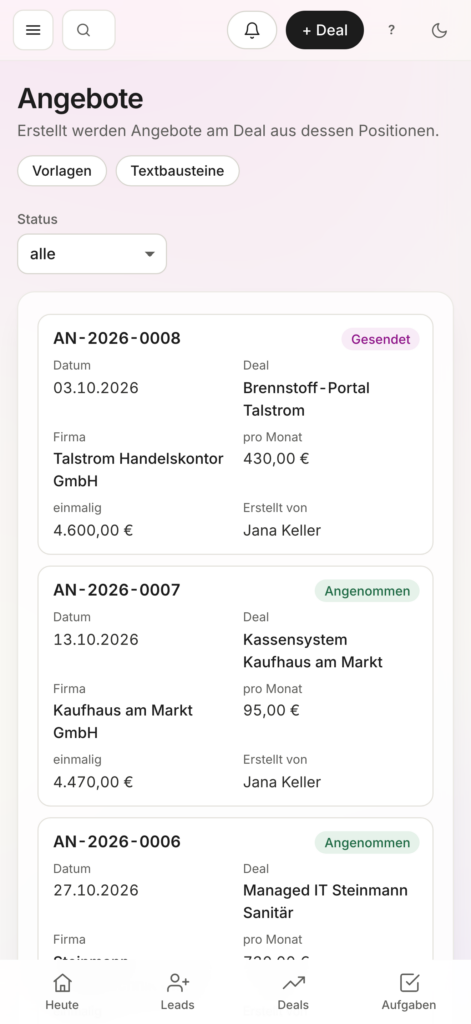
Create and manage customized quotes directly in LiveCX. Customer data and sales opportunities remain linked. Quotes can be accepted and signed digitally.
Invoices
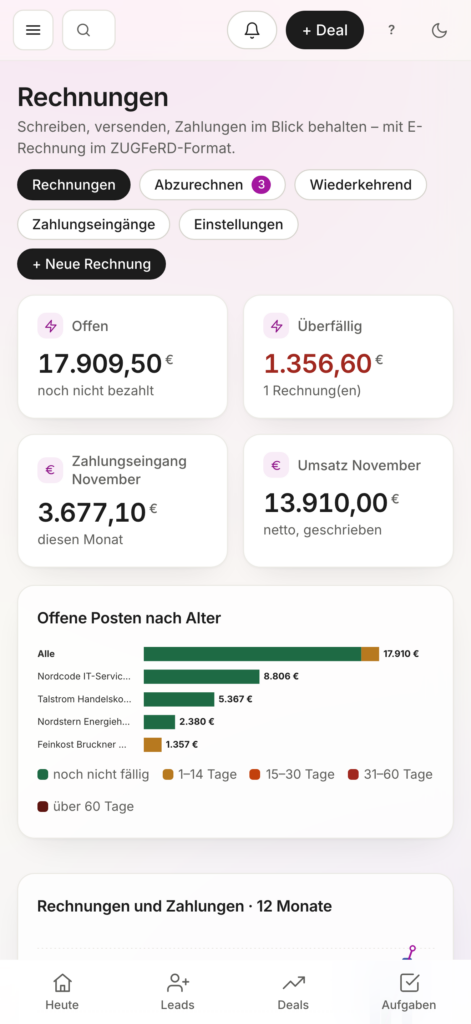
Orders are converted into invoices. No need to enter data twice.
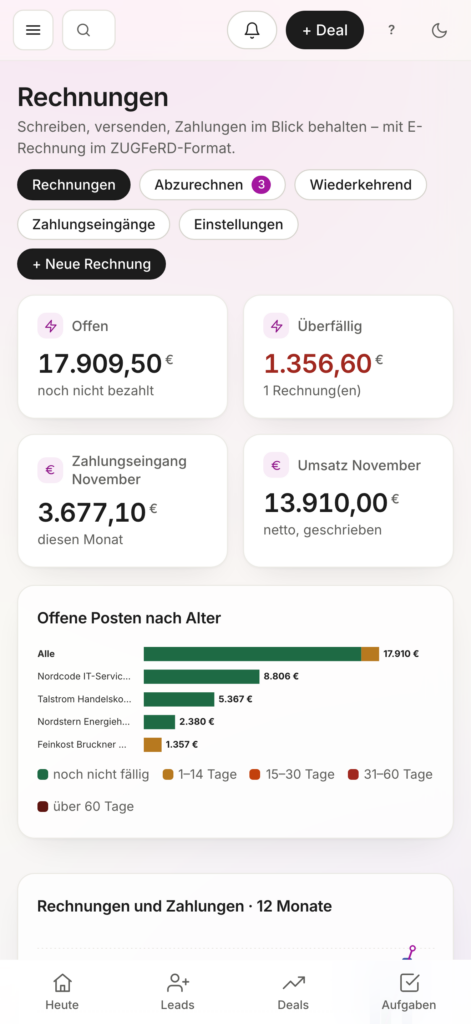
LiveCX integrates sales with back-office processes. Invoices can be created from existing transactions, managed, and tracked based on their payment status.
Forecast & Analyses
Know today what will generate revenue tomorrow.
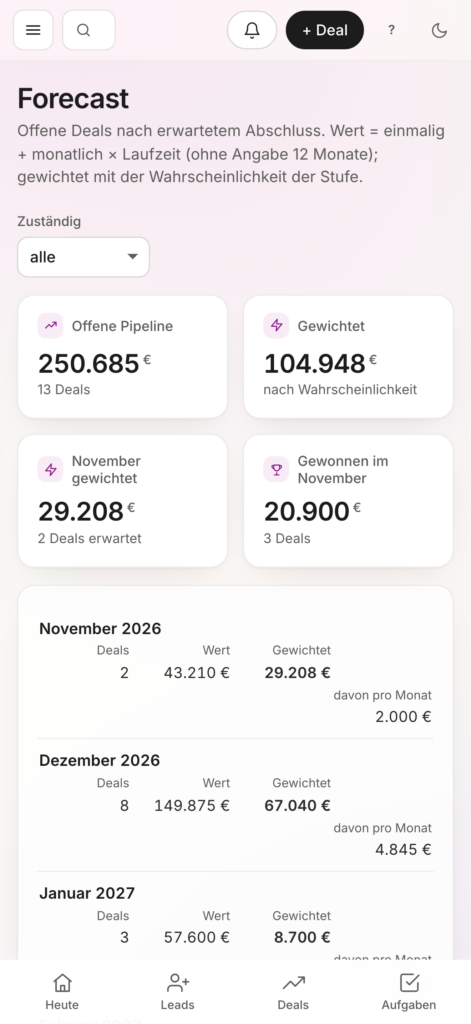
Analyze your sales pipeline, closing probabilities, and revenue targets. LiveCX provides visibility into trends and creates a solid foundation for your sales planning.
Marketing
Campaign Dashboard
All campaigns. All metrics. An overview.
The LiveCX Campaign Dashboard clearly displays budgets, advertising costs, generated leads, and revenue generated—all in one place. Compare different marketing channels and identify which campaigns are actually contributing to your business's success.
Campaign Optimization
Less wasted reach. More impact.
Analyze the cost per lead, return on ad spend (ROAS), and the performance of your campaigns. LiveCX highlights opportunities for optimization and helps you allocate your marketing budgets more effectively.
Marketing Automation
Smart support for better marketing decisions.
The AI-powered campaign assistant helps you plan, evaluate, and optimize your marketing activities. It helps you interpret relevant metrics, identify trends, and determine appropriate next steps.
Campaign Assistant
Automate recurring tasks. Reach customers in a targeted way.
Automate marketing processes and integrate campaigns with your sales workflows. Using workflows and interfaces, you can transfer information, trigger follow-up actions, and systematically nurture prospects.
Customer Service
Tickets & SLA
All inquiries. Clear responsibilities. Quick solutions.
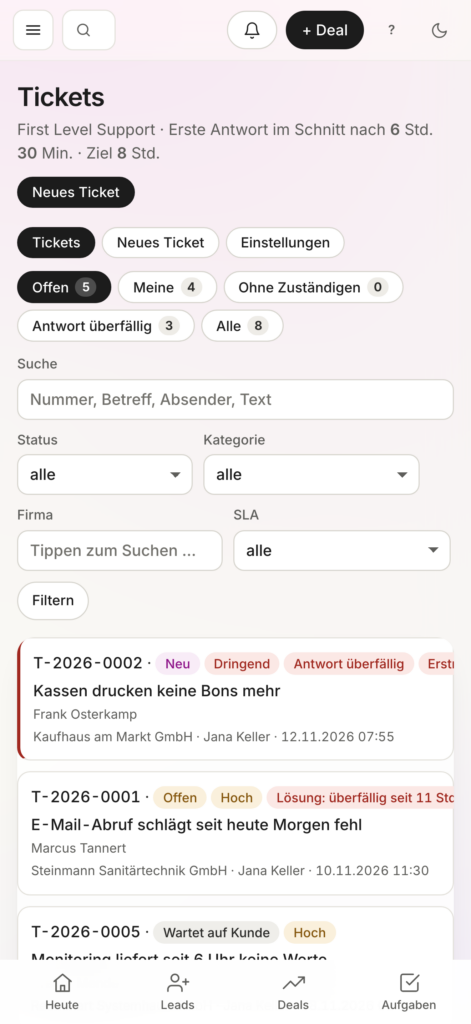
Capture and process customer inquiries centrally in LiveCX. Tickets can be prioritized, assigned to employees, and tracked based on their processing status. You can keep an eye on agreed-upon service deadlines.
AI Phone Agent
No call is missed. No request is left unaddressed.
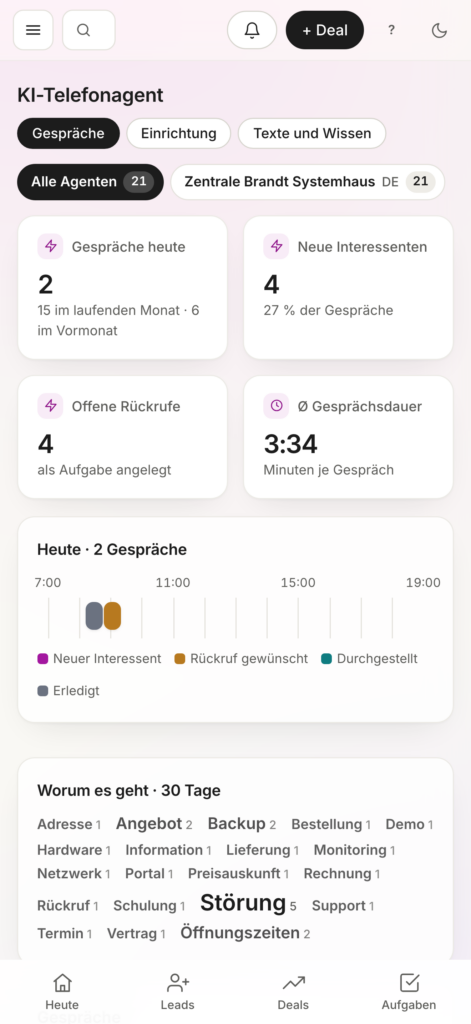
The AI phone agent answers calls, records customer inquiries, and documents conversations for further processing. This ensures your business remains reachable even when no one is available to answer the phone in person.
WhatsApp Communication
Direct communication. Centralized documentation.
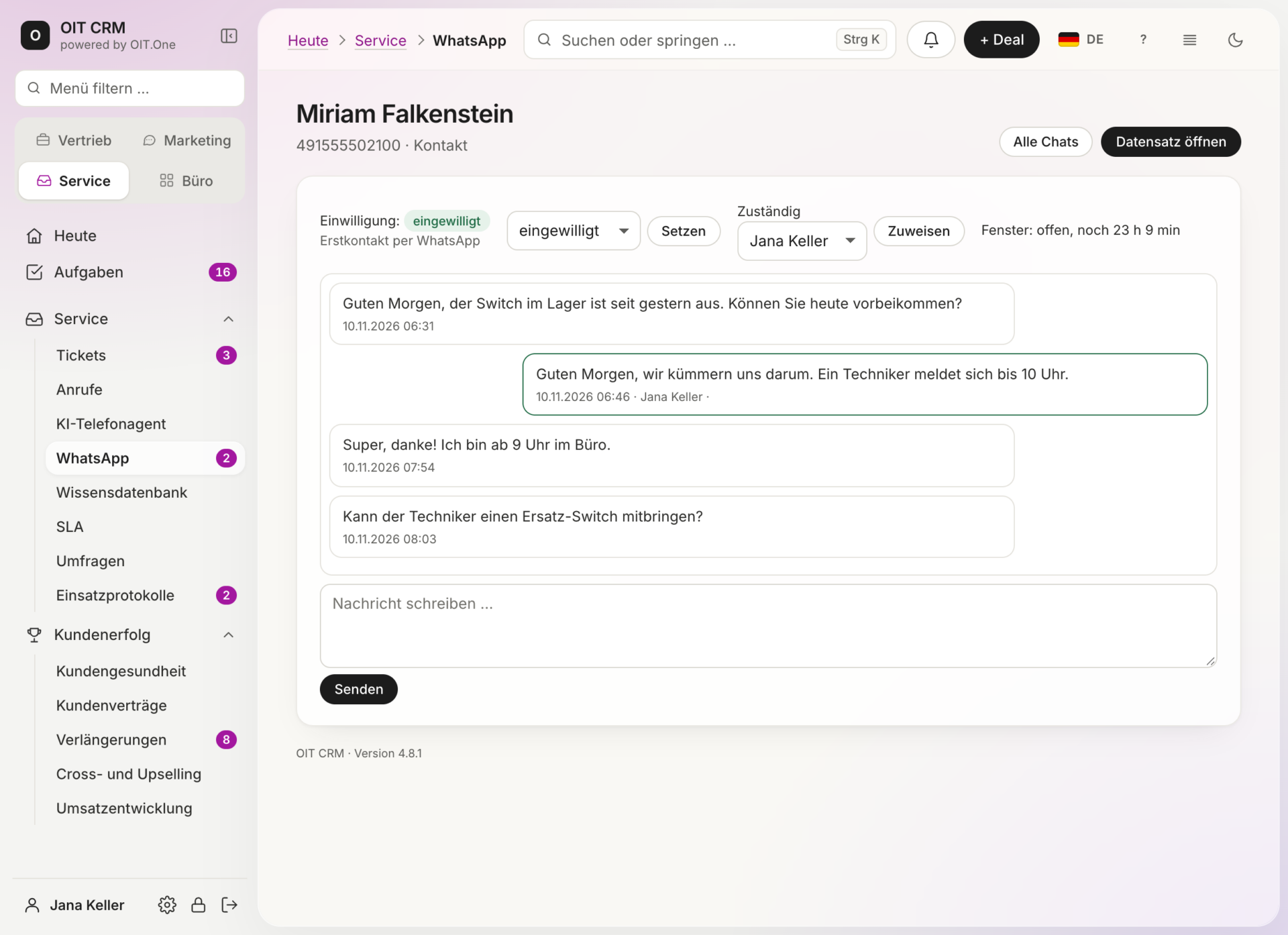
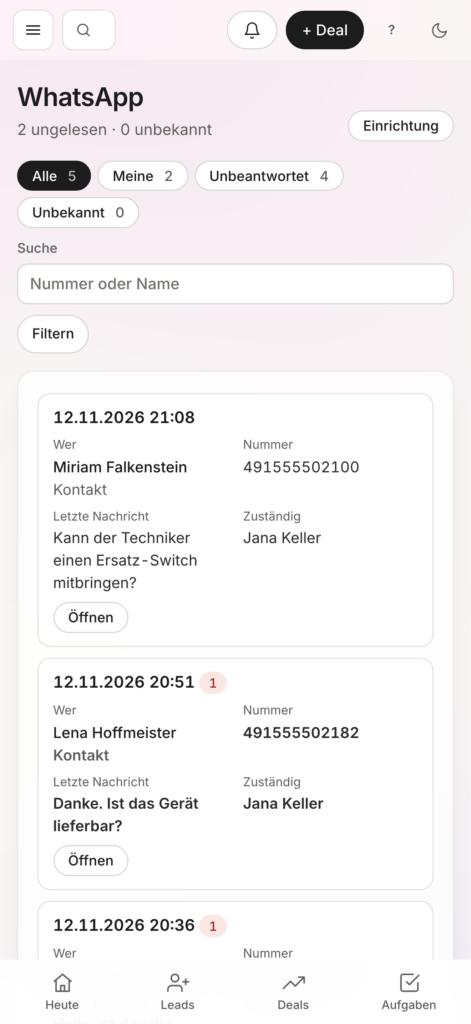
Communicate with your customers via WhatsApp and manage messages in the CRM. You can assign each conversation to the respective customer. This ensures that information remains traceable and available for future follow-up.
Customer History
Every interaction has a story. LiveCX knows it.
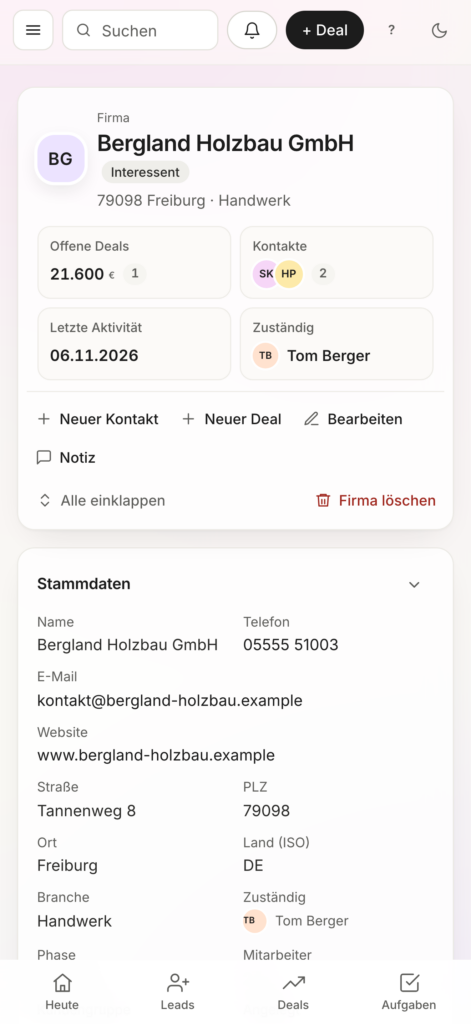
Keep track of past conversations, service requests, and activities. The centralized customer history provides employees with important information for further processing and enables them to offer personalized, well-prepared support.
Customer Success
Revenue Trends
Understand sales. Identify trends early.
Analyze the revenue trends of your existing customers and identify changes over time. LiveCX helps you identify successful business relationships and capitalize on business opportunities in a targeted manner.
Contract Renewals
Take action in a timely manner. Retain customers over the long term.
Keep track of expiring contracts and upcoming renewals. LiveCX helps you identify important deadlines early on and plan the necessary actions. This helps minimize gaps in customer service.
Cross-Selling & Up-Selling
Existing customers. New business opportunities.
Identify additional revenue opportunities within existing customer relationships. LiveCX links customer information with sales opportunities and helps you develop appropriate additional services and offers.
Identify key trends in your customer relationships and respond in a timely manner. Sales data, contract information, and past activities provide a foundation for proactive, long-term customer service.
Office & Processes
Quotes & Invoices
Business Processes. Simply Organized.
Create and manage quotes and invoices directly in the CRM. Customer information and related transactions remain linked. This reduces duplicate work and simplifies day-to-day administration.
Document Management
All documents. Centralized and easily accessible.
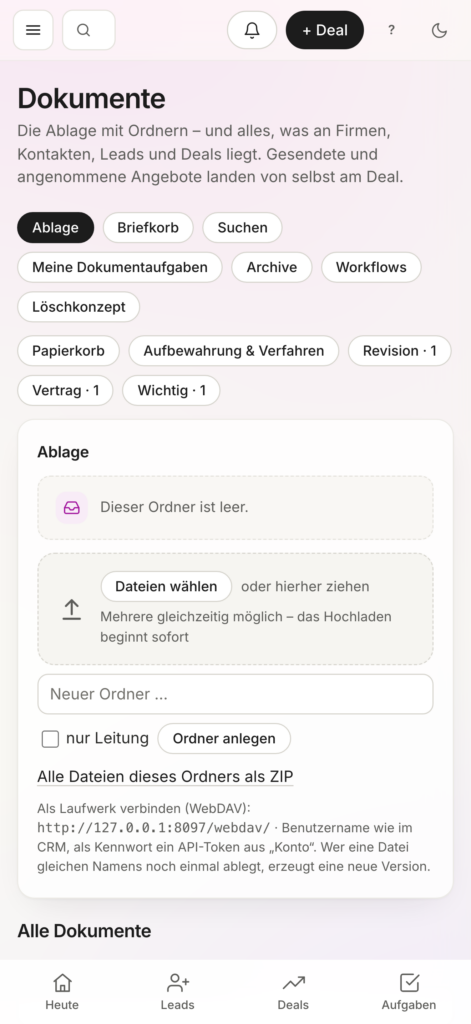
Organize customer-related documents in one central location. Employees with the appropriate permissions can access relevant documents. This keeps information organized and workflows transparent.
Digital Incident Reports
Document services. Simplify processes.
Record work assignments and services rendered digitally. The documented information is immediately available for further processing. This facilitates collaboration between field staff and administrative personnel.
Mobile Processes
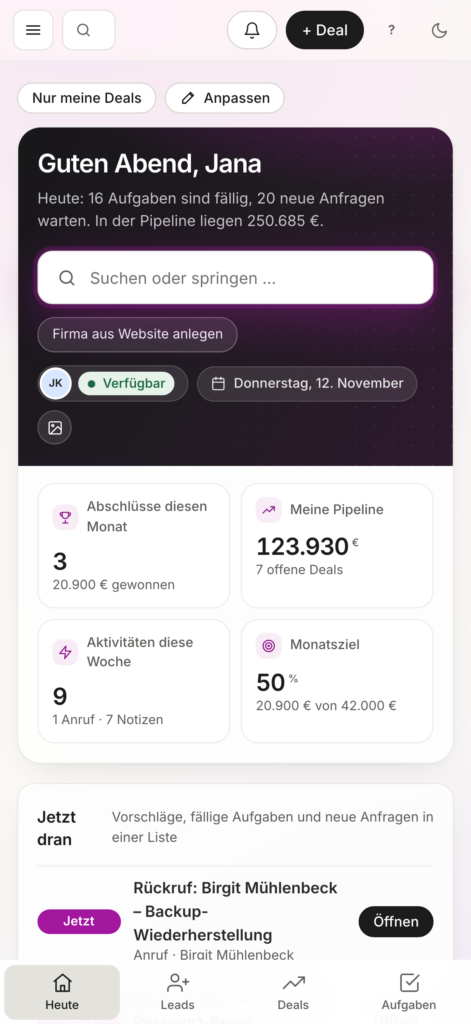
Your CRM. Ready to use anywhere.
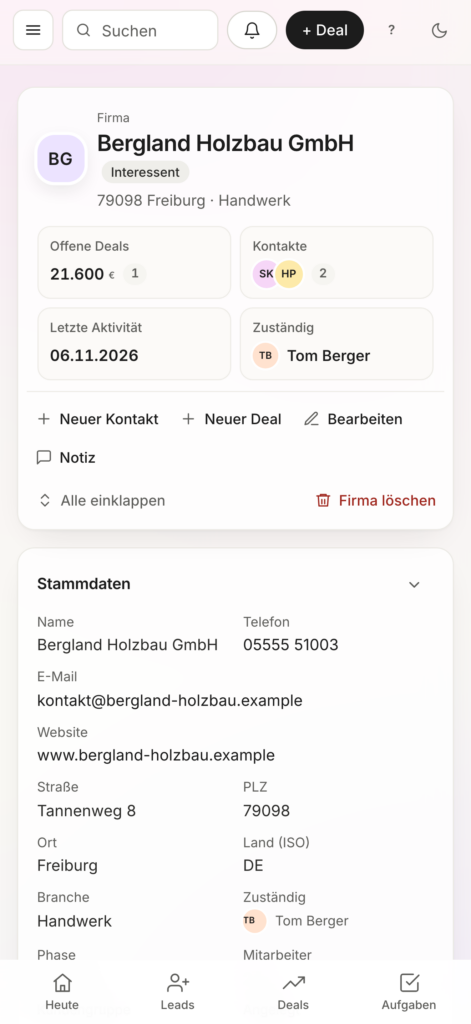
Take advantage of key CRM features even when you're on the go. Customer information, tasks, and cases are available on mobile devices. This ensures that field staff and employees working at customer sites can continue to be productive.
Integrations & AI
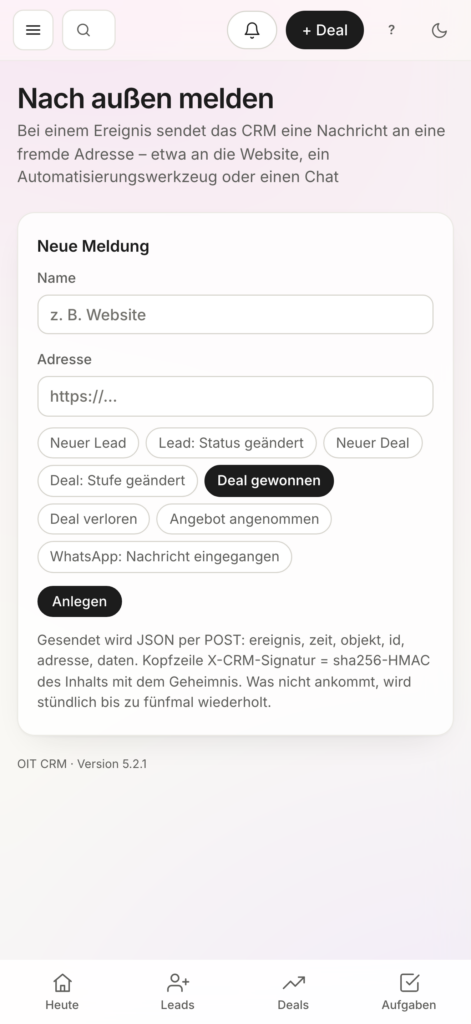
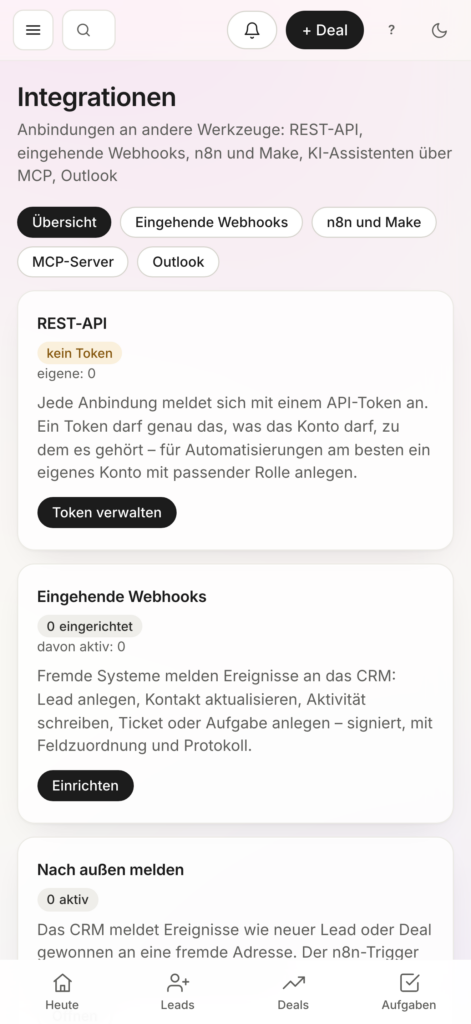
REST API & Webhooks
Open interfaces. Networked systems.
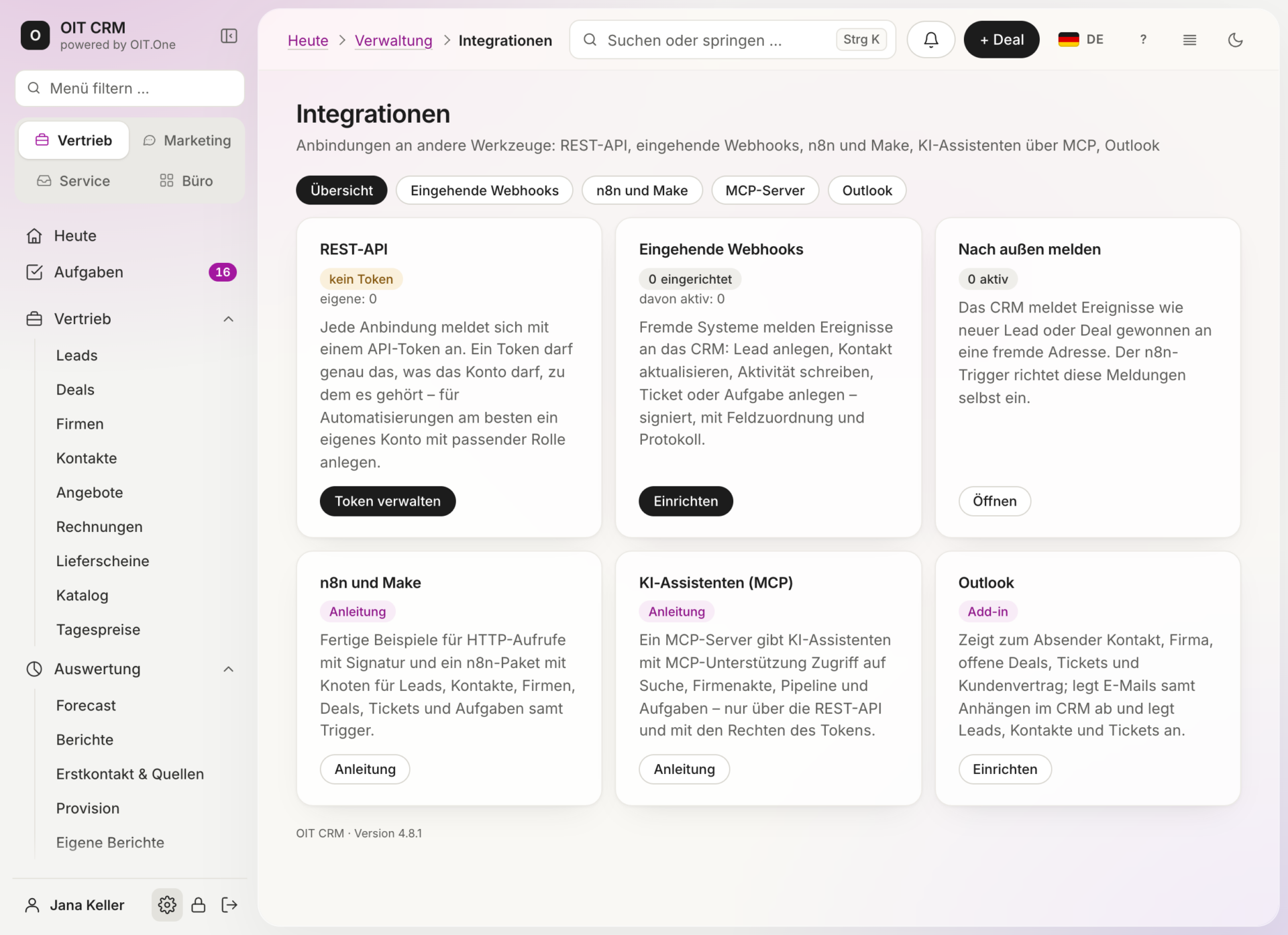
Connect LiveCX to existing applications and IT systems. You can exchange information and link processes using REST APIs and webhooks. This allows the CRM to integrate seamlessly into your existing IT landscape.
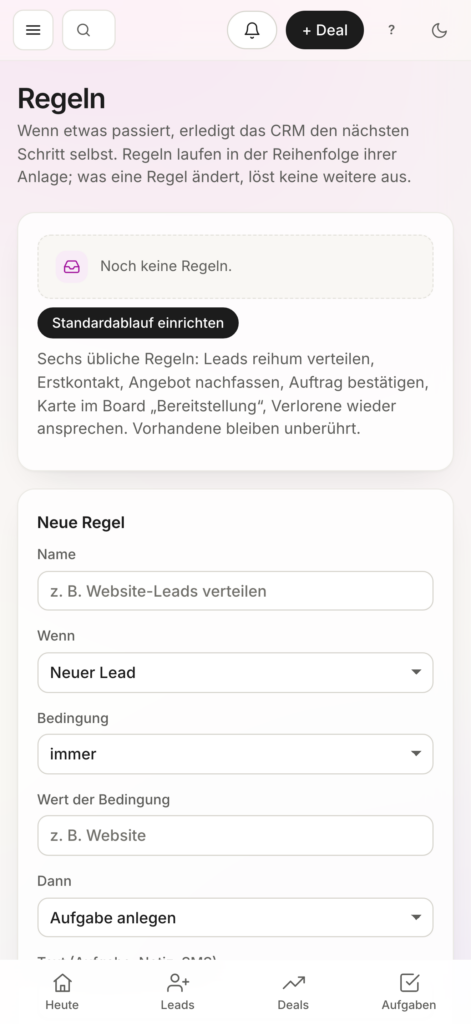
Workflows & Automation
Ein Ereignis. Der nächste Schritt läuft automatisch.
Definieren Sie Regeln für wiederkehrende Abläufe. LiveCX kann beispielsweise bei einem neuen Lead eine Aufgabe anlegen oder nach bestimmten Ereignissen weitere Schritte auslösen. Das entlastet Mitarbeitende und schafft verlässliche Prozesse.
Amelie, the AI Assistant
Ein Satz genügt. Amelie kümmert sich um den Rest.
Beschreiben Sie Ihre Aufgabe per Sprache oder Text. Amelie erstellt einen Plan, prüft die notwendigen Schritte und führt Aufgaben nach Ihrer Freigabe aus. Dabei berücksichtigt sie Ihre individuellen Benutzerrechte und Prozesse.
Outlook & MCP
Ihre Anwendungen. Intelligent miteinander verbunden.
Binden Sie E-Mail-Kommunikation und weitere Anwendungen in Ihre CRM-Prozesse ein. Schnittstellen und das Model Context Protocol (MCP) schaffen Möglichkeiten, externe Systeme und KI-gestützte Funktionen mit LiveCX zu verbinden.
AI in LiveCX
Amelie and the AI Phone Agent.
Amelie
AI Assistant in CRM
One sentence says it all: Amelie creates a plan, reviews the necessary steps, and carries out tasks once you approve them. In doing so, she takes your individual user permissions and processes into account.
Start tasks using voice or text
Planning, Review, and Execution Following Approval
Operates within the scope of your permissions
Integrated directly into your CRM processes
AI Phone Agent
Available, even when no one is in the office.
Answer calls, assign customers, enter orders, and prepare callbacks. All information is then available in a structured format in the CRM.
Answer Calls Automatically
Identifying and Categorizing Customers
Record orders, callbacks, and new leads
Summary and Order in CRM
Safety built in.
Your customer data. Your control.
LiveCX combines powerful AI and automation with control over your data and business processes.
Two-Factor Authentication
Logging
API Access
Controlled Data Processes
FAQs
What sets OIT CRM apart from traditional CRM systems?
OIT CRM adapts to your company’s processes—not the other way around. Pipelines, fields, rules, automations, and interfaces can be customized to fit your existing workflows. This ensures that you don’t end up with yet another data silo, but rather a CRM that becomes an integral part of your business processes.
Can OIT CRM integrate with existing systems?
Yes. OIT CRM is designed to integrate with existing applications rather than replace them outright. Microsoft 365, WordPress, WHMCS, email systems, Mattermost, or custom applications can be connected to the CRM via existing or custom-developed interfaces.
What does OIT CRM automate?
OIT CRM can automatically trigger the next step in a process: assigning leads, creating tasks, sending reminders, launching email sequences, tracking quotes, or initiating follow-up processes after a deal is closed. So the CRM doesn't just document work— It takes on the work.
What happens if a required function is missing?
Additional features, interfaces, and custom workflows can be developed if standard features are not sufficient for a business process. This allows the CRM to continue to grow alongside the company's needs.
What types of companies is OIT CRM suitable for?
OIT CRM is specifically designed for SMEs and medium-sized companies, which require more than just standardized contact and sales management. It is particularly useful for companies with customized sales processes, multiple existing systems, or recurring workflows that need to be automated and integrated.
Applications:
Sales & Leads
Centralize the tracking of leads, sales opportunities, and activities, and develop them in a targeted manner.
Customer Service
Consolidate inquiries, cases, and customer histories and make them available to employees.
Marketing & Communications
Link contacts, campaigns, and customer activities together.
ERP & Processes
Synchronize customer, order, and master data across systems.
Case studies
AI verifies 15,000 emails/hour for mid-sized companies
ZeroTrust Mail combines proven mail security with AI-powered analysis – for automated, traceable, and reliable defense against spam, phishing, and other email threats in the enterprise environment.


 German
 English